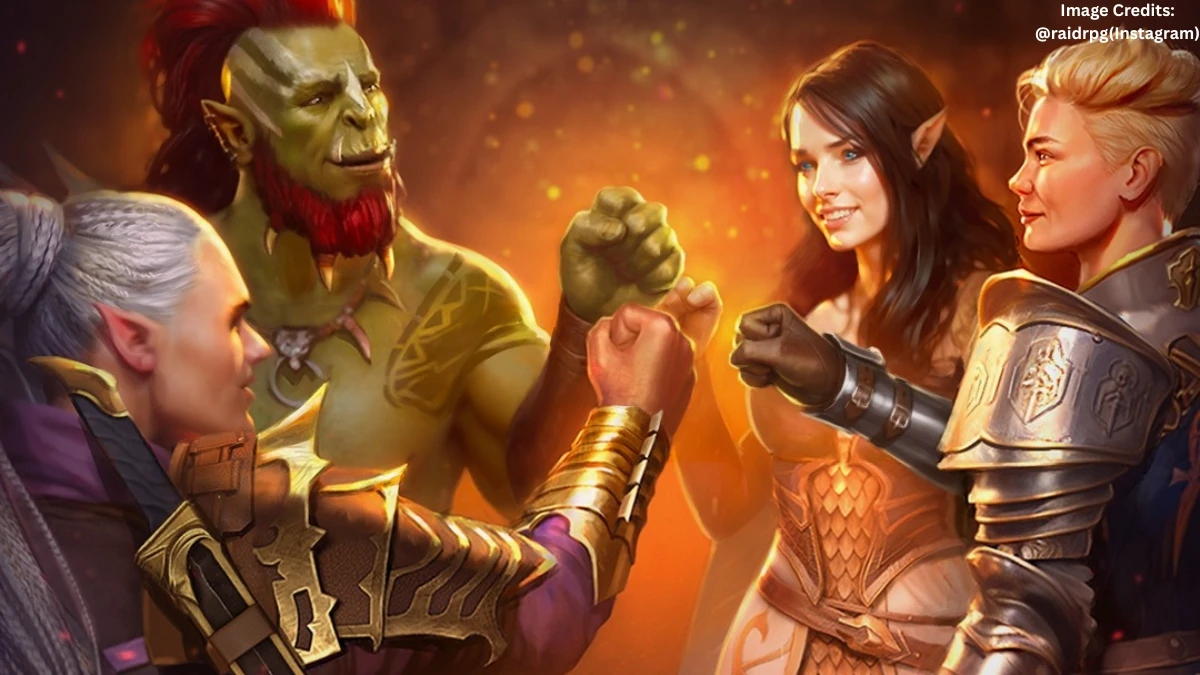

Is Raid Shadow Legends down?
As of February 10, 2026, around 9:05 PM PST, Raid: Shadow Legends is not officially down, but some players are reporting login and connection issues.
Plarium’s own server‑status page still shows the game as “operating normally,” which means there’s no full‑scale outage flagged by the studio.
At the same time, third‑party trackers and community chatter mention scattered reports of login errors, lag spikes, and temporary disconnects especially in certain regions or on specific platforms.
This kind of “half‑broken” state is common after updates or during heavy‑traffic events: the servers are up, but parts of the infrastructure or login queues are under strain.
If the game is loading for some people but refusing to log in for others, it’s usually a backend or authentication hiccup, not a full shutdown.
Raid Shadow Legends can’t log in – what’s going on?
If the game says “can’t log in,” the first thing to check is whether it’s a server‑side glitch or a local issue on the device.
Server‑side causes:
-
Short maintenance windows or patch rollouts that aren’t clearly announced.
-
Authentication or login‑queue bugs after an update, which Plarium has acknowledged in past incidents.
-
Regional network problems or overloaded data centers, even when the overall status page says “online.”
Client‑side causes:
-
Outdated app version or Plarium Play client.
-
Bad Wi‑Fi or mobile‑data connection, or a firewall/VPN blocking the game’s servers.
-
Corrupted cache or account‑linking issues (Google Play, Apple ID, Facebook, etc.).
A quick reality check: if multiple people in the same region are posting about login errors on Reddit or Discord around the same time, it’s almost certainly a server‑side problem, not “just your phone.”
On X (formerly Twitter), RAID: Shadow Legends’ official account @RaidRPG informed players that the game servers would be restarted at 14:30 UTC, with the team aiming to keep downtime as short as possible and advising Raiders to plan their in-game actions accordingly.
How to tell if it’s really down or just you
To avoid wasting time on restarts that won’t help, it helps to triangulate the problem.
-
Check Plarium’s official server‑status page and the Raid section of their forum; they usually post maintenance notices and incident updates there.
-
Glance at real‑time outage trackers that aggregate player reports by region and platform; these often show spikes in “login” or “crash” reports when something is off.
-
Scan Reddit and Discord for recent posts tagged with “login error” or “servers down”; if there’s a wave of similar complaints in the last 30–60 minutes, it’s not isolated.
If all those sources point to normal operation but the game still won’t log in, the issue is more likely local—wrong account, outdated client, or network hiccups.
What to do when Raid Shadow Legends won’t log in
When the game just spins on the login screen or throws an error, there are a few practical steps that usually help.
Restart and reconnect:
-
Close the game completely, restart the device, and try again on a stable Wi‑Fi or mobile‑data connection.
-
If using a VPN, try turning it off temporarily; some VPNs trigger anti‑cheat or login‑block behavior.
Update and reinstall:
-
Make sure the app and Plarium Play (if used) are on the latest version from the official store.
-
If updating doesn’t help, clear the app cache or reinstall the game; this often fixes corrupted local files without touching account data.
Check account links and support:
-
Confirm the account is properly linked (Google, Apple, Facebook, etc.), especially after a device change or OS update.
-
If nothing works, submit a support ticket through the in‑game or Plarium‑support portal; include screenshots, error messages, and the exact time the issue started.
When to wait vs. when to act
If server‑status pages and community trackers show a clear spike in “login” or “server down” reports around the same time as the problem, the safest move is usually to wait 15–30 minutes and try again.
Plarium has a track record of rolling out fixes for login bugs within a short window once they confirm the issue, often followed by small compensation like energy or keys.
During that time, spamming login attempts or repeatedly reinstalling the game rarely speeds things up and can sometimes trigger temporary rate‑limiting.
If, after an hour or two, the status page still shows “operational” but the game refuses to log in on multiple devices and networks, it’s worth opening a support ticket with as much detail as possible. That kind of persistence usually gets a faster, more targeted response than waiting for a broad patch note.
Bottom line for players right now
As of February 10, 2026, around 9:05 PM PST, Raid: Shadow Legends is not globally down, but some players are experiencing login problems and connection glitches.
If the game won’t log in, the first step is to check official status pages and community reports to see whether it’s a wider issue or something local to the device or network.
From there, basic troubleshooting restart, update, clear cache, verify account links handles most cases; anything more persistent is worth reporting to Plarium support with timestamps and error details.
Disclaimer: The Information about Raid: Shadow Legends server status and login issues may change quickly, so always confirm with official sources before making decisions. This content is for general information only and not official technical or legal advice.