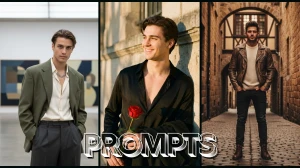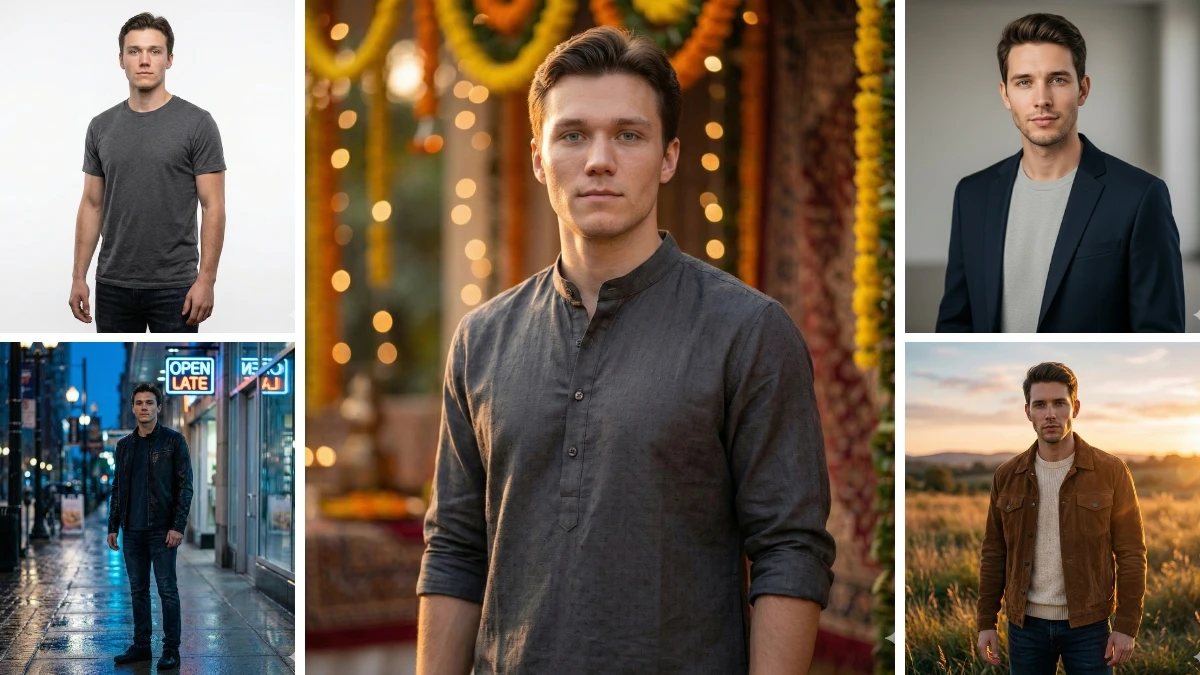

A good photo doesn’t go viral because of filters it goes viral because the prompt knows exactly what to change and what to protect.
Google Gemini AI has quietly become the go-to tool for boys who want sharp, realistic, confidence-driven portraits without heavy editing or fake effects.
These copy-paste Gemini prompts are built for today’s trends: clean outfits, cinematic lighting, natural skin texture, and Instagram-ready realism that looks effortless but stands out instantly.
How to Create the Image
-
Open Google Gemini (app or browser) and choose Create Image / Edit Photo.
-
Upload a clear photo with good face visibility and basic lighting.
-
Copy any one prompt from the list and paste it into the prompt box.
-
(Optional but recommended) Add a control line:
-
“keep same face, ultra-realistic, natural skin texture, no cartoon effect.”
-
Tap Generate and wait a few seconds for the result.
-
If needed, tweak only 1–2 words (lighting, outfit, mood) and regenerate.
Join This Channel for Trending AI Image Prompts - CLICK HERE
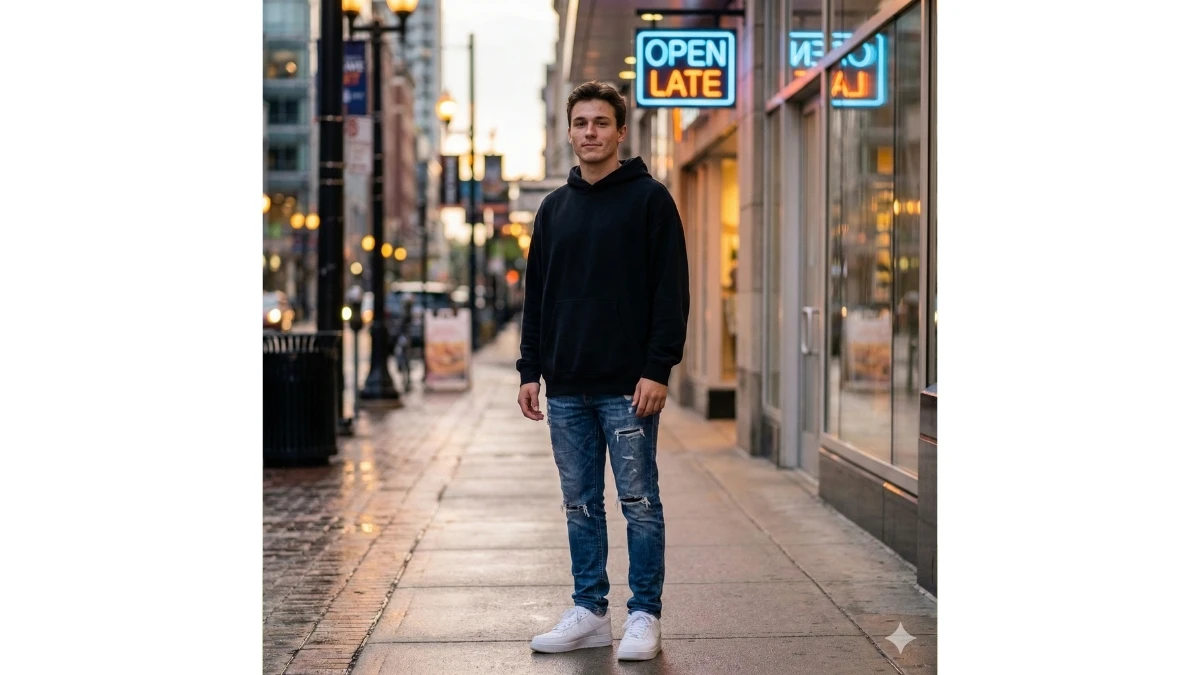
Prompt 1: Urban Street Confidence Look
Use This:
“Edit this photo into an ultra-realistic urban street portrait of a young man standing casually on a city sidewalk. He wears a black oversized hoodie, ripped jeans, and clean white sneakers. Add soft evening light reflecting from nearby buildings, subtle neon sign glow in the background, and shallow depth of field. Skin tones must remain natural, face sharp and clear, cinematic contrast, modern street-style vibe, no cartoon or AI-plastic look.”
Best for: Instagram reels, profile photos, attitude edits
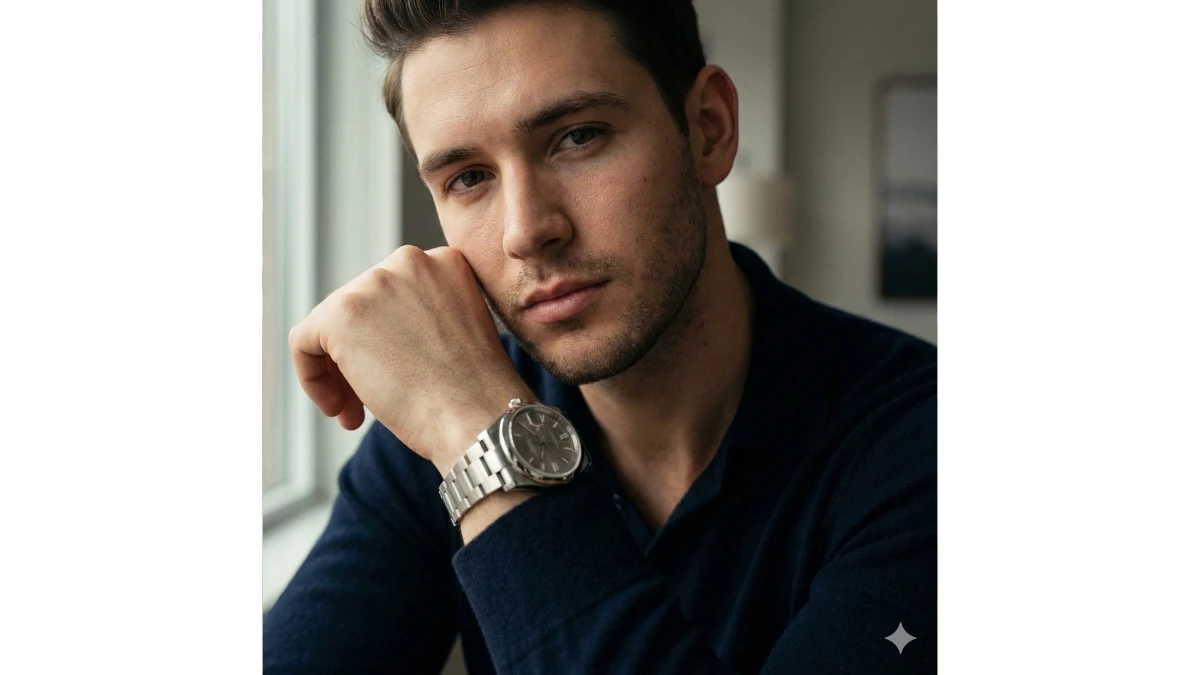
Prompt 2: Luxury Watch Close-Up Portrait
Use This:
“Create a high-end cinematic close-up portrait of a young man resting his arm near his face, wearing a luxury metallic wristwatch. Outfit should feel minimal and classy dark shirt, clean grooming. Use soft window lighting, blurred background, crisp facial texture, realistic skin pores, elegant color grading, DSLR-style clarity, premium lifestyle mood, ultra-realistic finish.”
Best for: Premium profile pics, lifestyle reels
Saraswati Puja 2026: 10 Google Gemini AI Prompts for Basant Panchami Portraits - Try Now!
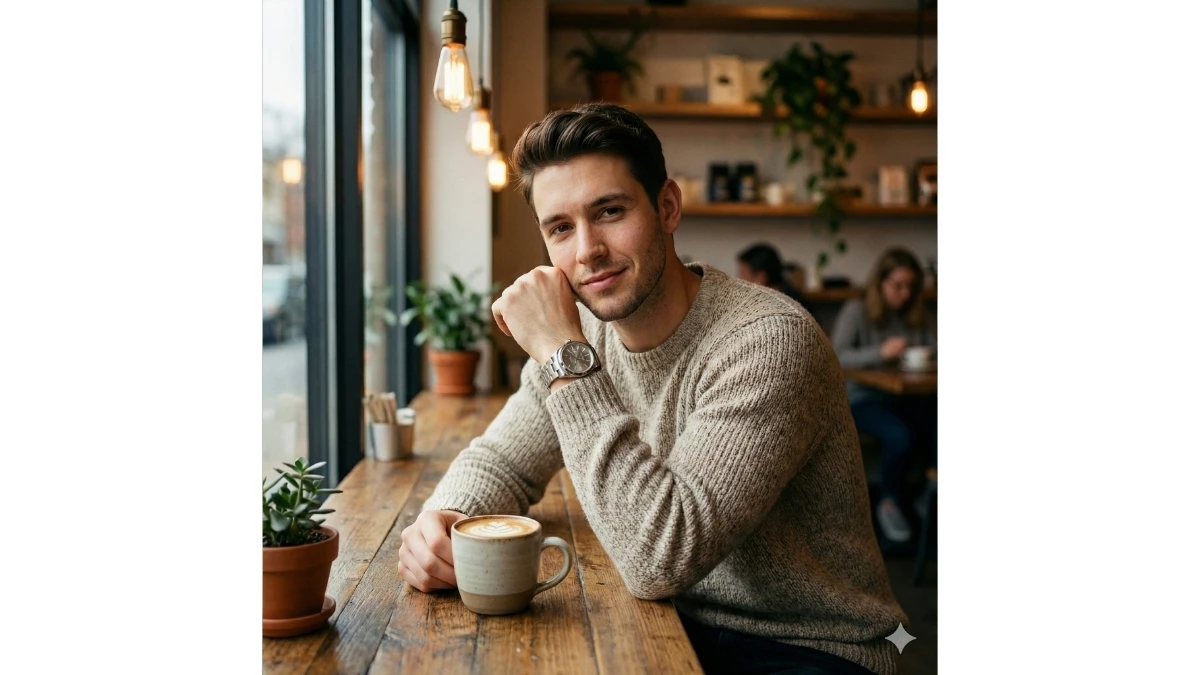
Prompt 3: Café Aesthetic Soft Portrait
Use This:
“Transform this image into a natural café-aesthetic portrait of a young man sitting near a window in a modern coffee shop. Add warm indoor lighting, wooden textures, coffee cup on table, soft bokeh background. Outfit should be simple neutral shirt or sweater. Maintain real facial structure, gentle smile, cozy mood, cinematic yet realistic look.”
Best for: Casual Instagram posts, WhatsApp DP
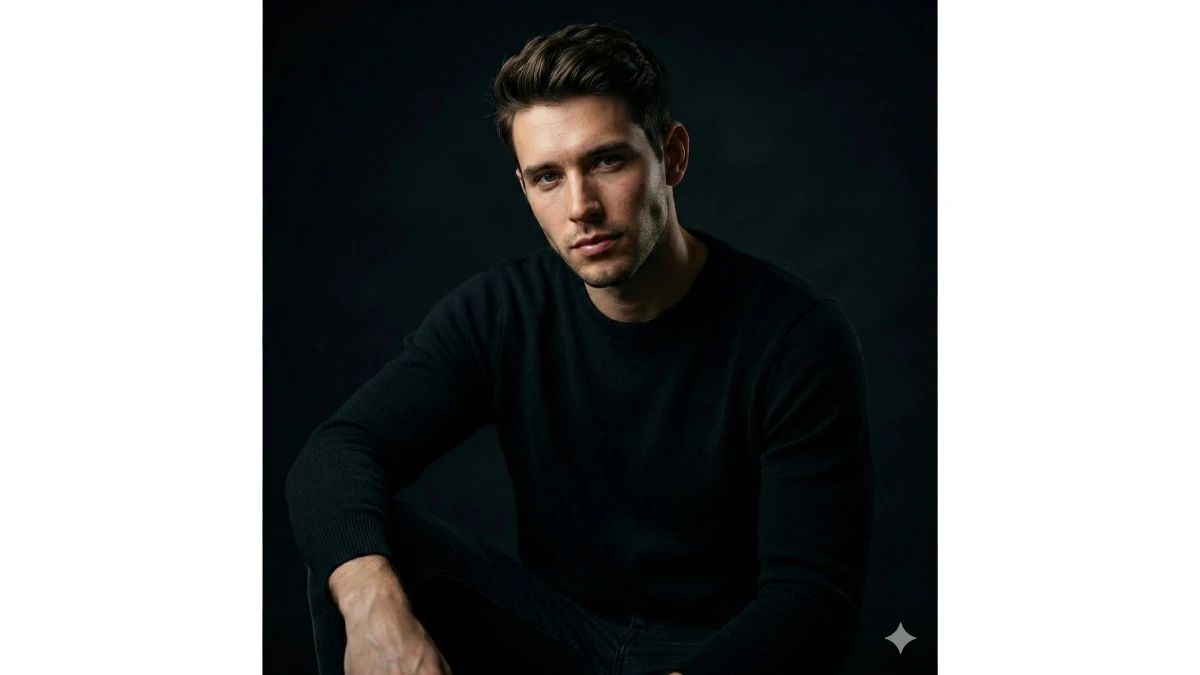
Prompt 4: Black-Outfit Moody Portrait
Use This:
“Edit into a dramatic, moody portrait of a young man wearing an all-black outfit. Use low-key lighting with soft shadows on one side of the face, dark blurred background, sharp jawline definition, cinematic contrast, realistic skin texture, intense eye focus, professional studio quality, no exaggerated effects.”
Best for: Attitude reels, profile highlights
MUST TRY - Optical Illusion Eye Test: Spot 55 and 25 Among 45 in 9 Seconds
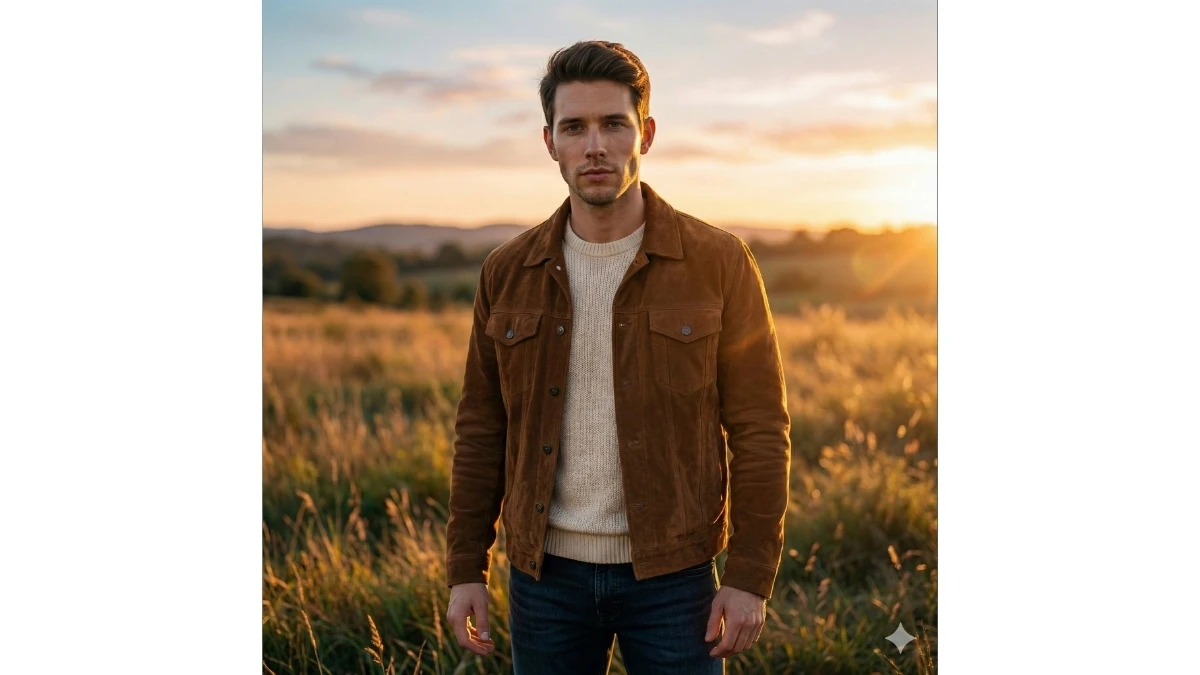
Prompt 5: Golden Hour Outdoor Look
Use This:
“Create a golden-hour outdoor portrait of a young man standing confidently in open surroundings. Warm sunlight hitting the face from the side, soft lens flare, natural shadows, casual stylish outfit, realistic sky and background blur. Preserve natural expression, ultra-HD clarity, cinematic warmth, Instagram-ready realism.”
Best for: Viral Instagram photos, travel posts
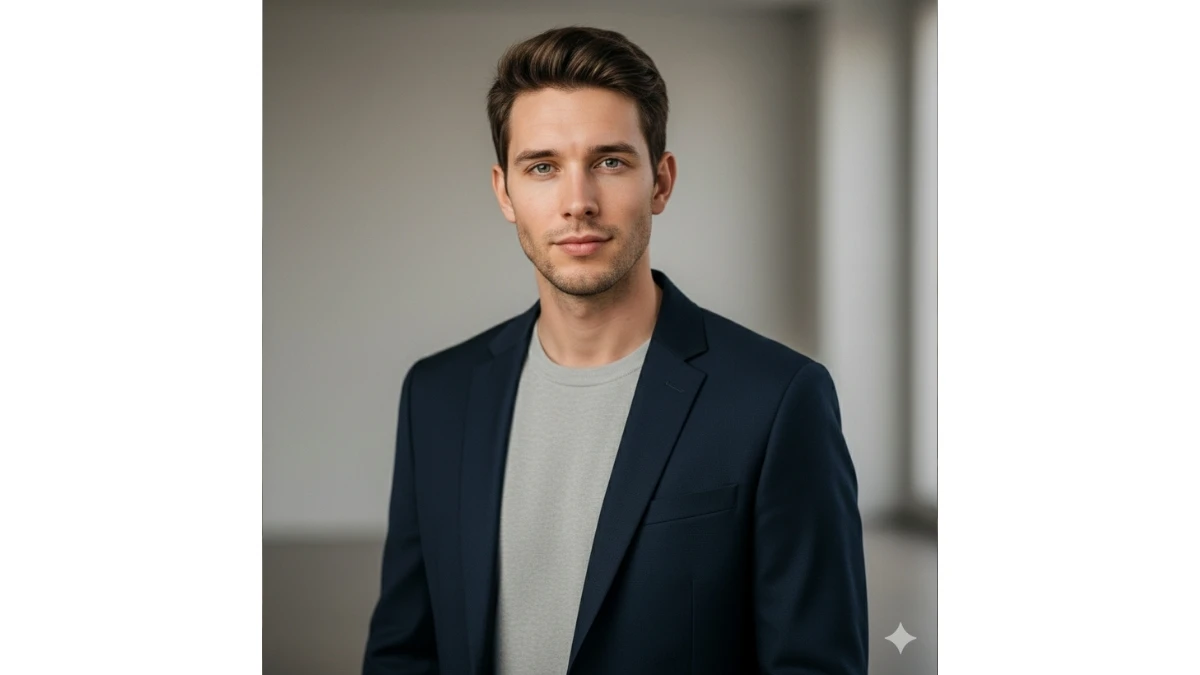
Prompt 6: Smart Casual Office Style
Use This:
“Edit this image into a smart-casual professional portrait of a young man wearing a fitted blazer over a plain shirt. Neutral indoor background with soft studio lighting. Face should be evenly lit, clean grooming, confident posture, realistic skin tones, professional color balance, high-end corporate photography style.”
Best for: LinkedIn, professional profiles
Pongal 2026 Gemini AI Festive Prompts - Try Now!
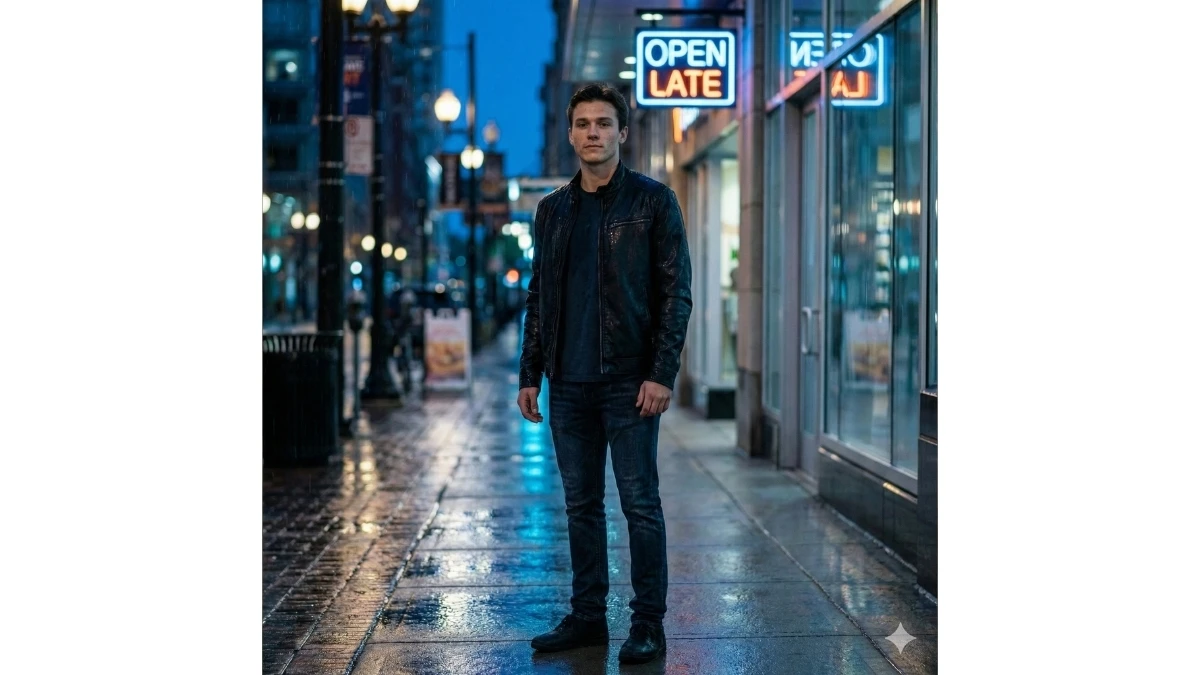
Prompt 7: Rainy Night Cinematic Look
Use This:
“Transform the photo into a cinematic rainy-night portrait of a young man standing under light rain. Add soft reflections on the ground, cool blue lighting, city lights bokeh behind him. Outfit should be dark and stylish. Keep face sharp and realistic, dramatic mood, film-style color grading, no fantasy effects.”
Best for: Viral reels, cinematic edits
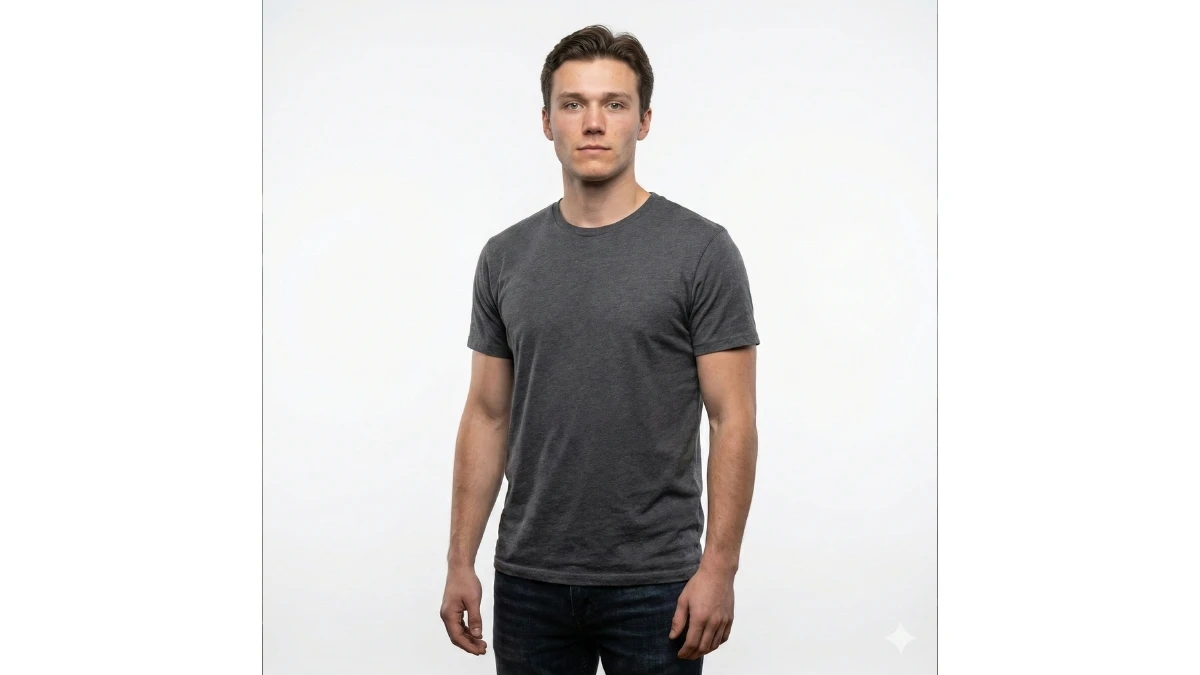
Prompt 8: Minimal White Background Studio Shot
Use This:
“Create a clean studio-style portrait with a pure white or light grey background. The young man wears a simple solid-color t-shirt. Use soft diffused lighting, no harsh shadows, natural skin texture, clear eyes, professional DSLR sharpness, minimal and modern aesthetic.”
Best for: Clean DP, branding photos
MUST TRY - Spot 95 Among 85 and 65 in 5 Seconds
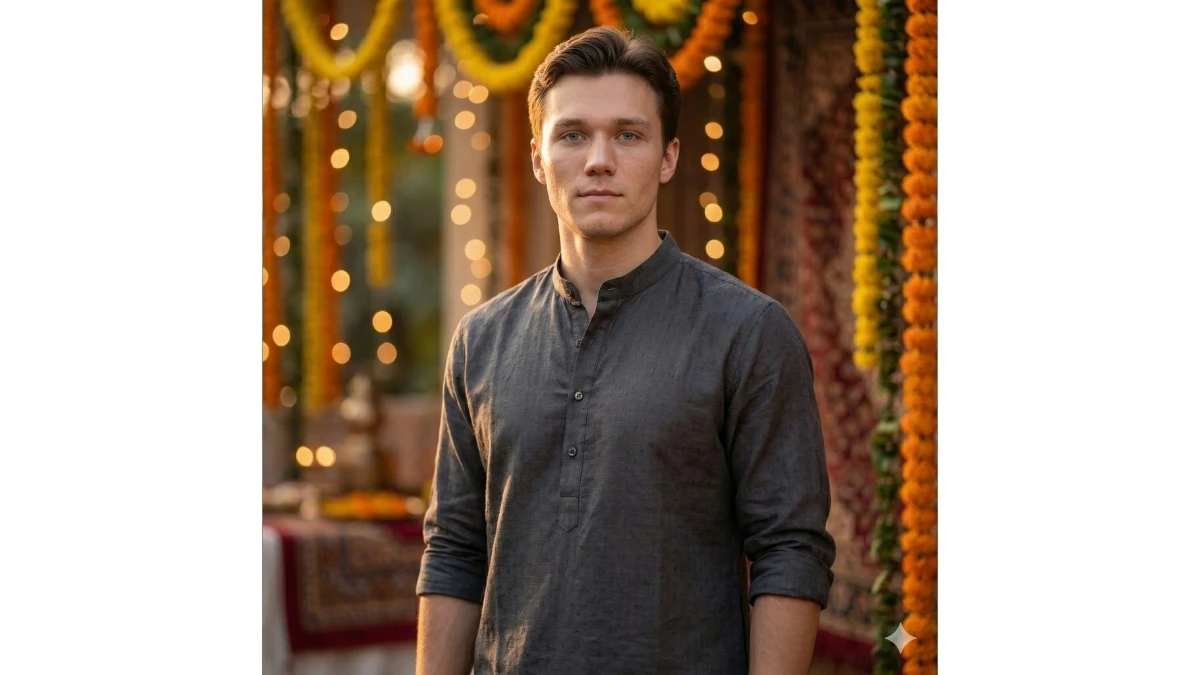
Prompt 9: Traditional with Modern Touch
Use This:
“Edit this photo into a modern traditional portrait of a young man wearing a simple kurta with contemporary styling. Soft warm lighting, subtle festive background blur, natural skin tones, calm expression, elegant color grading, realistic texture, balanced cultural and modern aesthetic.”
Best for: Festival posts, cultural reels
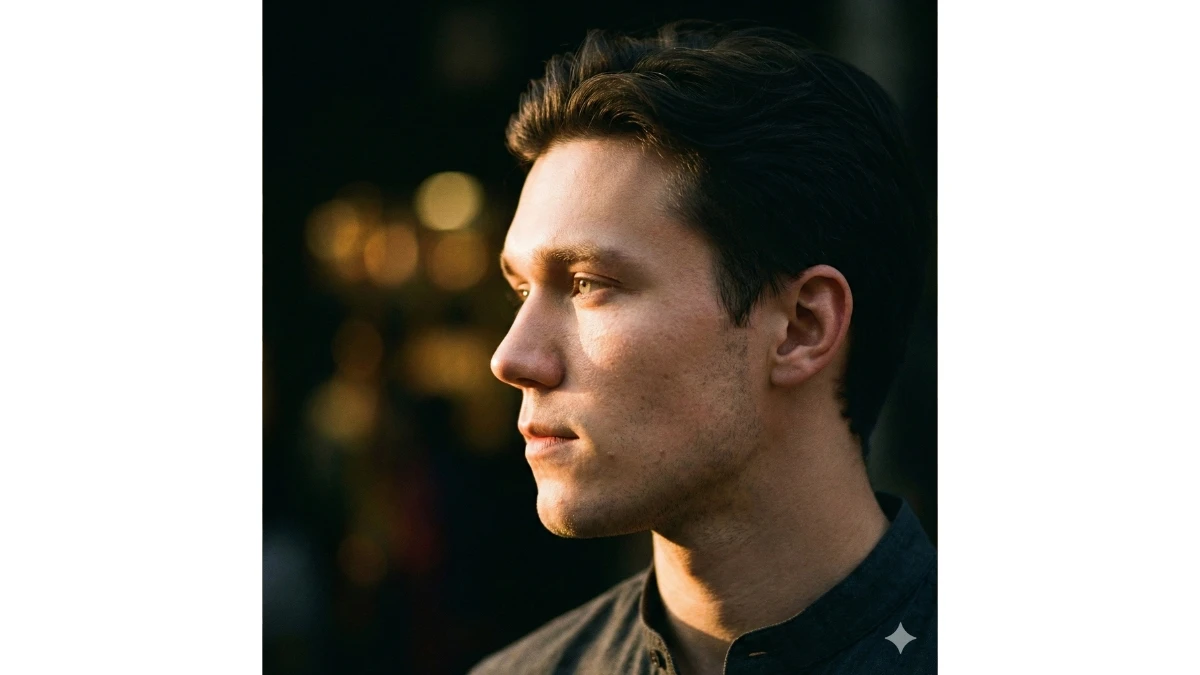
Prompt 10: Cinematic Side-Profile Portrait
Use This:
“Create a cinematic side-profile portrait of a young man looking slightly away from the camera. Use dramatic side lighting to highlight facial contours, dark blurred background, sharp profile details, realistic skin texture, editorial photography mood, high-contrast yet natural finish.”
Best for: Artistic Instagram posts, reels
Hunyuan Image 3.0 Aesthetic Portrait Prompts for Girls - Try Now!
Image Credits: Google Gemini AI