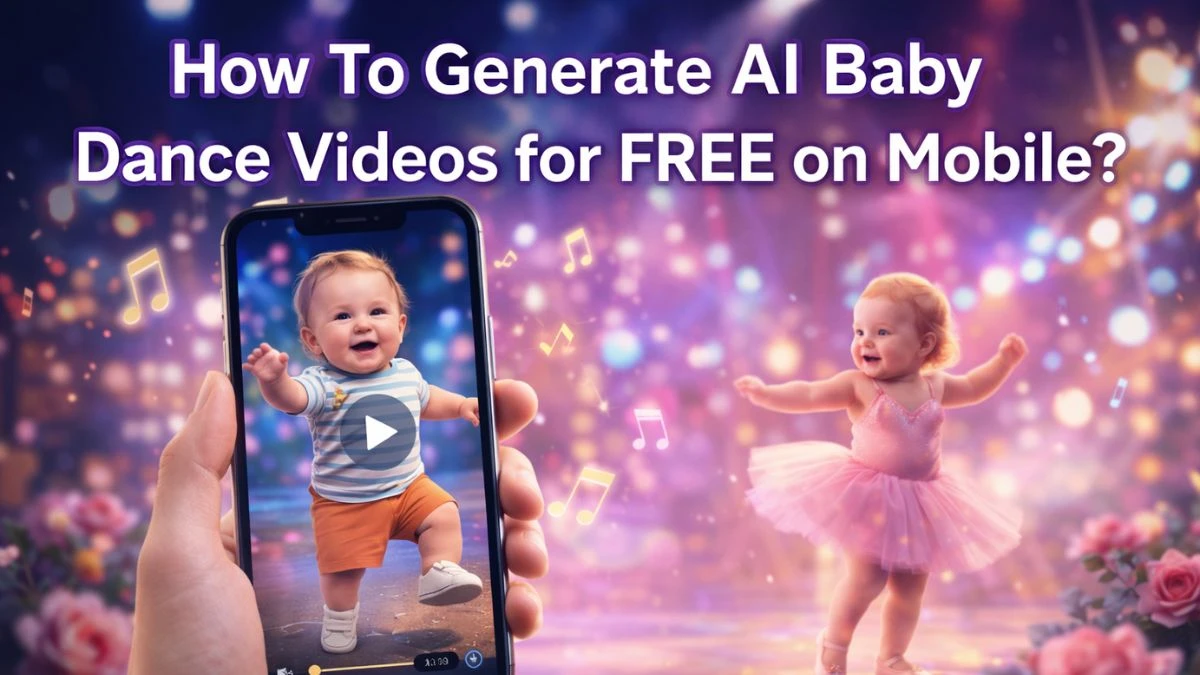

How To Generate AI Baby Dance Videos for FREE on Mobile?
The easiest way to generate AI baby dance videos for free on mobile is to use an online tool like MyEdit in your phone's browser and upload a clear baby photo with a dance template or custom prompt.
It works on most modern phones, and the only real “skill” needed is choosing a good picture where the baby’s face is front‑facing and not hidden by filters, toys, or hats.
A simple mobile workflow looks like this:
-
Open Chrome or any mobile browser and go to MyEdit’s AI Baby Dance page.
-
Pick one of the modes: Character Motion Swap, Image to Video Template, or Image to Video with Custom Prompt.
-
Upload a baby or child photo from the gallery (the clearer the face, the better the AI tracking).
-
Either select a ready‑made dancing template or type a short dance prompt like “cute baby in colorful pajamas doing a funny hip‑hop dance with smooth motion and happy expressions.”
-
Tap Generate and wait a few minutes; the video processes on the server, so the phone doesn’t need heavy editing power.
Most platforms offer free credits or a basic free tier, so it’s possible to make a handful of AI baby dance clips without paying, as long as the resolution and length limits are acceptable.
What are AI Baby Dance Videos?
AI baby dance videos are short clips where a still baby or child photo is turned into a dancing character using AI motion and face‑animation models.
Instead of filming a real dance, the tool keeps the baby’s facial features recognizable while animating the body with exaggerated dance steps, rhythm, and expressions.
The underlying system typically uses an image‑to‑video pipeline: a single portrait is mapped onto a motion pattern taken from a dance template or reference video.
That’s why the baby in the final clip can suddenly moonwalk, spin, or do choreographed moves that would be impossible (and unsafe) in real life, but still looks like the same child.
Why AI Baby Dance Videos Trending?
AI baby dance videos are trending because they hit a perfect mix of cuteness, movement, and surprise that social algorithms love.
Viewers get a quick emotional boost from seeing a baby confidently dancing to upbeat music, which many describe as unexpectedly relaxing or “instant mood‑lift.”
Psychology plays a role too: baby‑like features naturally trigger warm, protective reactions, and when those features are paired with goofy dance moves, the brain treats it as funny, harmless entertainment worth sharing.
Parents like imagining their kids as tiny performers, while non‑parents enjoy the clips as low‑effort, no‑context memes that fit perfectly into TikTok, Reels, and Shorts.
Because they’re short, visually clear, and usually family‑friendly, AI baby dance videos travel easily across age groups and cultures, which is exactly how a small editing trick turned into a full‑blown trend.
Disclaimer
Information about creating AI baby dance videos on mobile is general guidance and may not reflect every platform’s latest features, pricing, or policies. Users should review each tool’s terms of service, privacy policy, and copyright rules before uploading personal photos or sharing generated videos on social media or messaging apps.