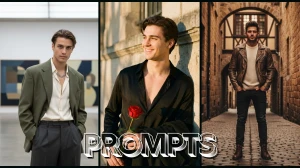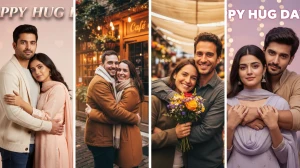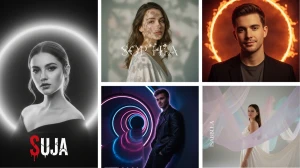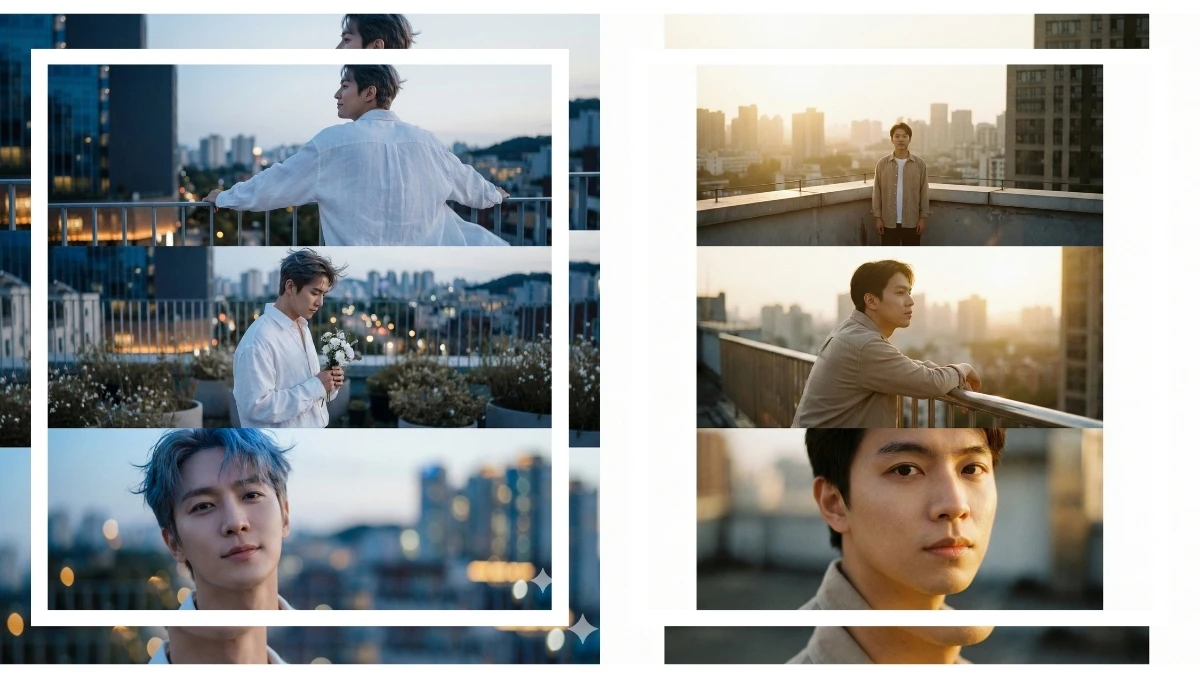

Three layers, one rooftop story: foreground blur with a railing or ledge, you in the middle as the main subject, and a dreamy city sky behind, that’s the signature look of these Google Gemini AI photo editing prompts for boys to create 3‑layer cinematic rooftop portraits.
With the right text prompt, Gemini stacks depth, bokeh, and color‑graded skies so even a normal terrace selfie turns into a 4K HD poster frame that feels like a still from an urban music video or web‑series intro.
How to Create the Image
-
Open Google Gemini (web or app) and go to the image/photo editing or Nano Banana image section.
-
Upload a clear rooftop or terrace selfie where your full face is visible, and there is some background space (buildings or sky) behind you.
-
In the prompt box, paste your “3-layer cinematic rooftop portrait” prompt and mention details like: “foreground railing blur, me as a sharp middle layer, soft bokeh city/sky background, ultra‑realistic 4K, keep my real face.”
-
Click Generate/Send and wait a few seconds for Gemini to create the edited rooftop portrait.
-
If the depth or background is not perfect, slightly tweak the prompt (stronger foreground blur, sunset sky, night city lights) and regenerate.
-
Download the best version in HD, crop to vertical 9:16 if needed, and use it as your Instagram post, reel cover, or profile picture.
Join This Channel for Trending AI Image Prompts - CLICK HERE
Google Gemini AI Photo Editing Prompts for Boys to Create 3-Layer Cinematic Rooftop Portraits
Prompt 1: Blue Hour Rooftop Triptych
Use This:
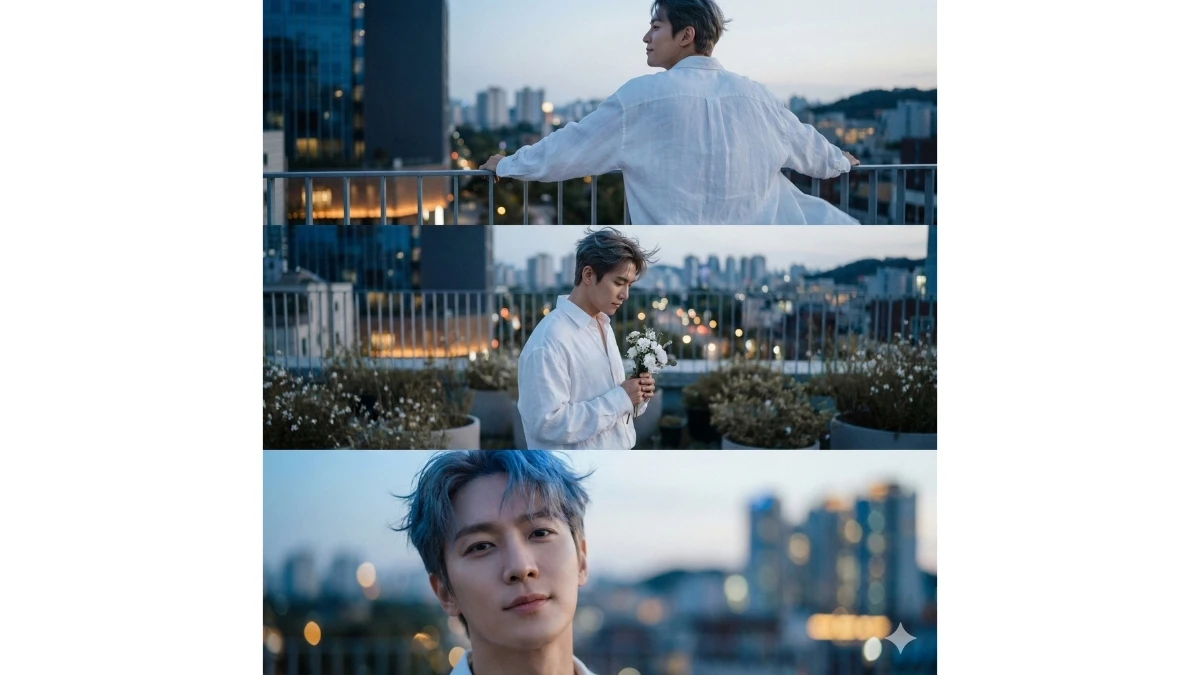
"Create a cinematic 8K horizon-style photograph composed of three horizontal frames combined into one single image (triptych layout), all featuring my real face and exact likeness, with full identity preservation and no facial alterations. The setting is an elevated rooftop garden during blue hour, where the sky softly transitions from deep navy to pale silver-blue while the city below emits a gentle amber glow. A light breeze moves through small rooftop plants, and warm reflections shimmer on nearby glass surfaces. The mood is calm, poetic, and introspective—like a quiet pause between night and dawn.
The subject wears an oversized white shirt with soft, flowing folds that move naturally in the cool wind, fabric texture clearly visible and subtly glowing in the blue-hour light. No pants are visible within the frame. Lighting is moody and natural, dominated by cool blue tones with soft amber highlights touching the skin for emotional warmth.
Frame 1 (Left): An over-the-shoulder back shot near the rooftop edge, both hands resting on the railing. The head turns slightly into profile, expression soft and relaxed. The shirt billows gently in the wind as the city glows gold and blue in the distance.
Frame 2 (Center): A mid-side shot near low potted plants, with only a blurred hint of small white flowers at the base. The subject holds a small white bouquet near the chest, eyes slightly lowered, expression peaceful and thoughtful. Hair and shirt move subtly in the breeze, with city lights forming a soft bokeh behind.
Frame 3 (Right): A close-up portrait facing slightly toward the camera, showing a calm, free, and serene expression. Blue-hour light falls softly across the skin, hair gently tousled, and the background dissolves into dreamy golden-blue bokeh.
Maintain a cohesive visual tone across all three frames using cool blues, muted whites, soft grays, and gentle amber accents. Apply natural low contrast, cinematic depth of field, soft focus, and delicate film grain for an indie art-film aesthetic. The final image should feel emotionally resonant, minimalist, and refined, with no watermark or text overlay, presented as a single wide image containing three horizontal frames."
Best for: Cinematic Instagram carousels, fine-art portfolios, indie film–style visuals
Prompt 2: Golden Hour Rooftop Vertical Stack
Use This:
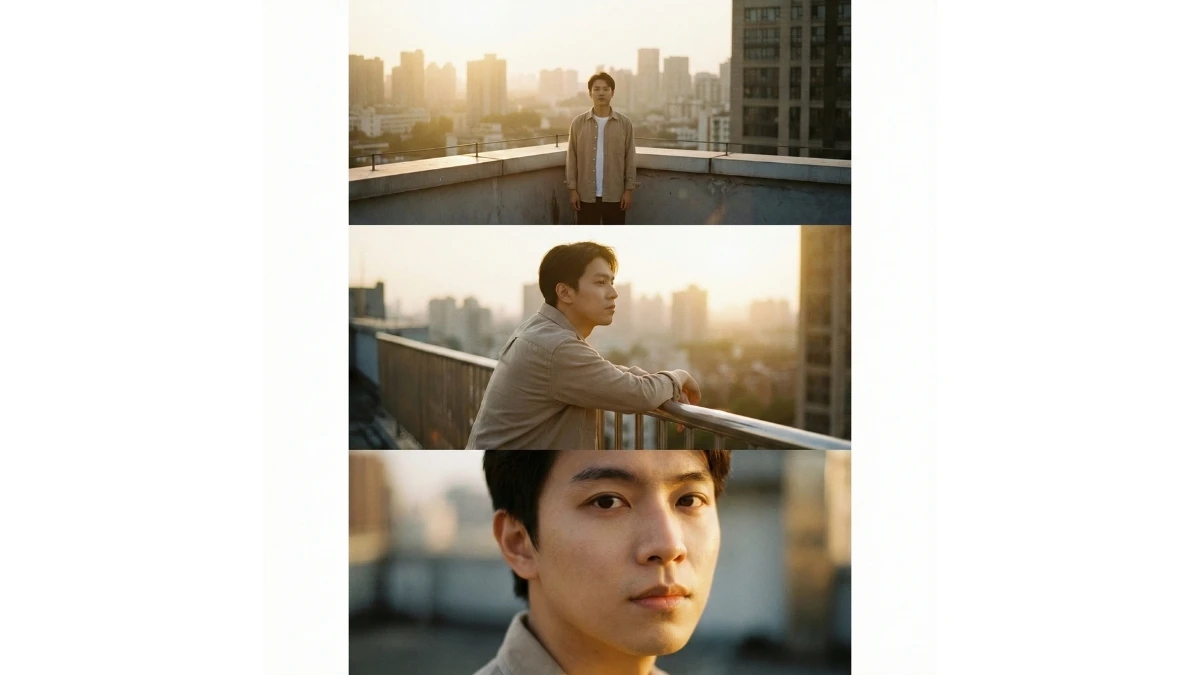
"Create a cinematic 8K vertical portrait composed of three stacked vertical layers in a single frame, all featuring my real face with full identity preservation and zero facial alteration. The setting is a quiet rooftop terrace during golden hour, where warm sunlight washes over concrete textures, railings, and distant city silhouettes.
The subject wears a loose beige overshirt over a white tee, fabric softly catching golden light. Skin tones remain natural and realistic.
Top Layer: A wide rooftop view with the subject standing near the edge, back facing the camera, city glowing in warm haze.
Middle Layer: A waist-up side profile leaning on the railing, eyes looking toward the sun, expression calm and reflective.
Bottom Layer: A close-up portrait facing the camera, sunlight grazing the cheek, soft shadows shaping the face.
Use warm gold, soft browns, muted whites, and gentle contrast. Add shallow depth of field and subtle cinematic grain. The final image should feel peaceful, nostalgic, and Instagram-ready."
Best for: Instagram reels covers, aesthetic DP edits, lifestyle portraits
AURA Farm Portrait Prompts - Try Now!
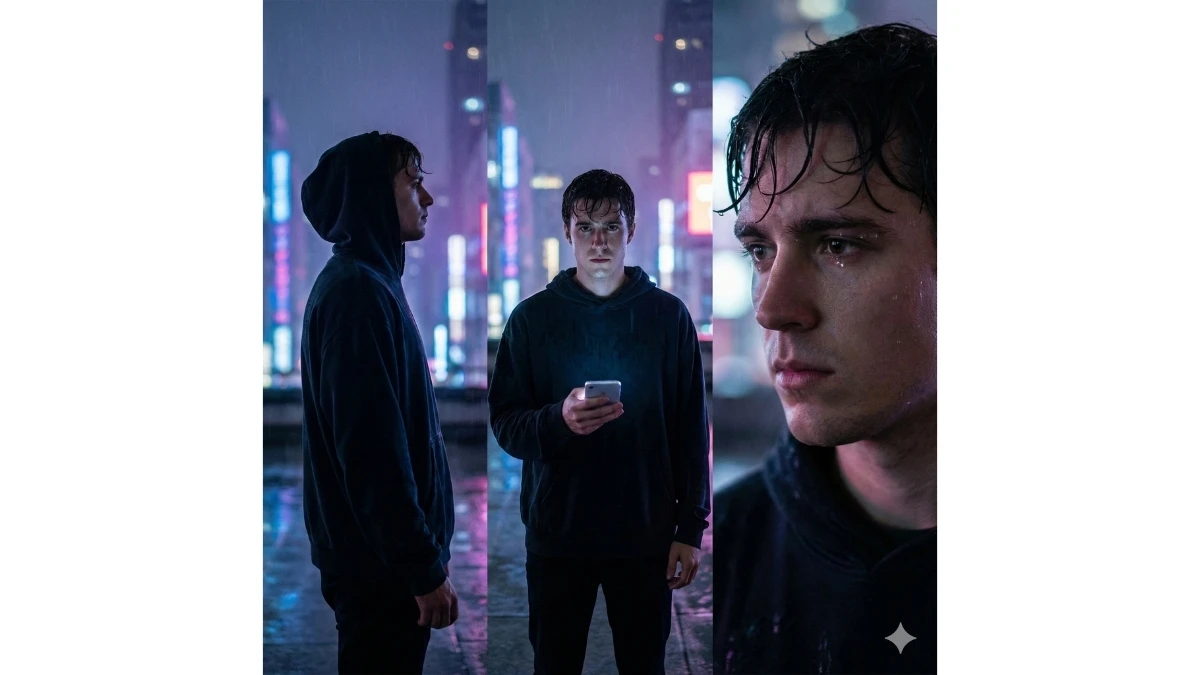
Prompt 3: Rainy Rooftop Neon Triptych (Horizontal)
Use This:
"Create a cinematic horizontal triptych portrait in 8K resolution using three side-by-side frames, all preserving my real face exactly. The setting is a rainy rooftop at night, with wet concrete reflecting neon city lights in blue, pink, and violet tones.
The subject wears a black oversized hoodie with the hood down, hair slightly damp, skin realistic and unfiltered.
Frame 1: A side silhouette under light rain, city neon blurred behind.
Frame 2: A front-facing mid shot holding a glowing phone screen, reflections dancing on the face.
Frame 3: A close-up portrait with raindrops on eyelashes, expression thoughtful and intense.
Lighting is cinematic, moody, and reflective. Apply shallow depth, soft glow, and controlled film grain for a cyber-urban rooftop vibe."
Best for: Moody Instagram posts, night aesthetics, cyber-style portraits
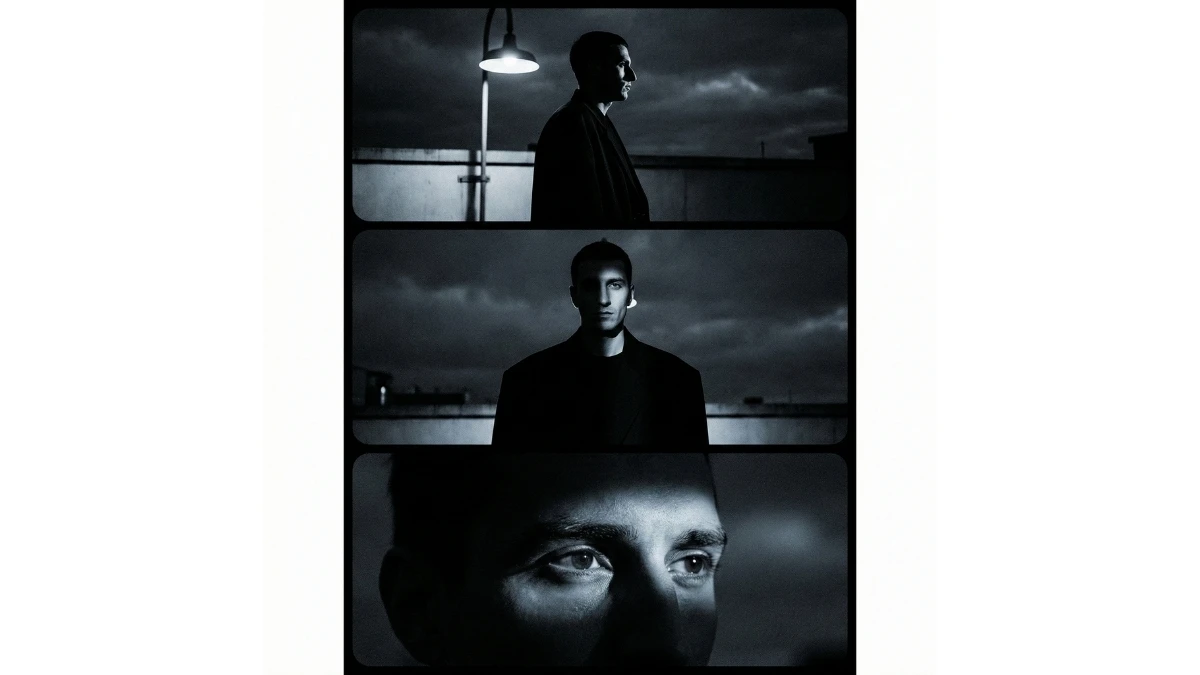
Prompt 4: Midnight Rooftop Shadow Panels
Use This:
"Create a cinematic 3-panel vertical portrait with strong shadow play, set on a rooftop at midnight. Use my exact face and features without modification.
Panel 1: Strong side shadow profile under a single rooftop light.
Panel 2: Mid-shot facing forward, half-lit face, deep shadows.
Panel 3: Close-up eyes-only portrait with light grazing the brow.
Wardrobe: black oversized jacket, minimal styling. The color palette is monochrome with cool blue undertones. Add dramatic contrast and cinematic grain."
Best for: High-impact Instagram posts, noir-style portraits, reels thumbnails
MUST TRY - Spot 39 & 49 in 9 Seconds
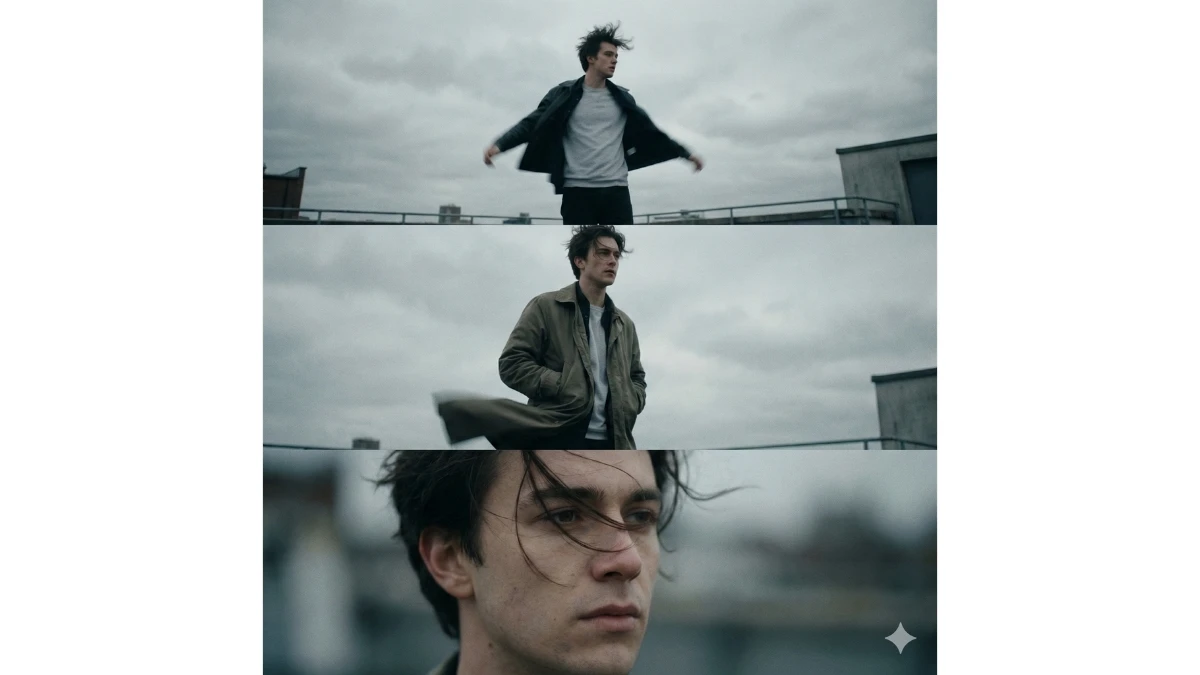
Prompt 5: Windy Rooftop Motion Layers
Use This:
"Create a cinematic 3-layer rooftop portrait capturing motion, using a vertical frame. The setting is an open rooftop during overcast daylight.
Layer 1: Wide shot of the subject standing, shirt and hair moving in strong wind.
Layer 2: Mid-shot with hands in pockets, jacket fluttering.
Layer 3: Close-up portrait with strands of hair crossing the face.
Use muted greys, off-whites, and natural skin tones. Add motion blur selectively, shallow depth of field, and cinematic texture."
Best for: Dynamic Instagram reels, fashion edits, motion portraits
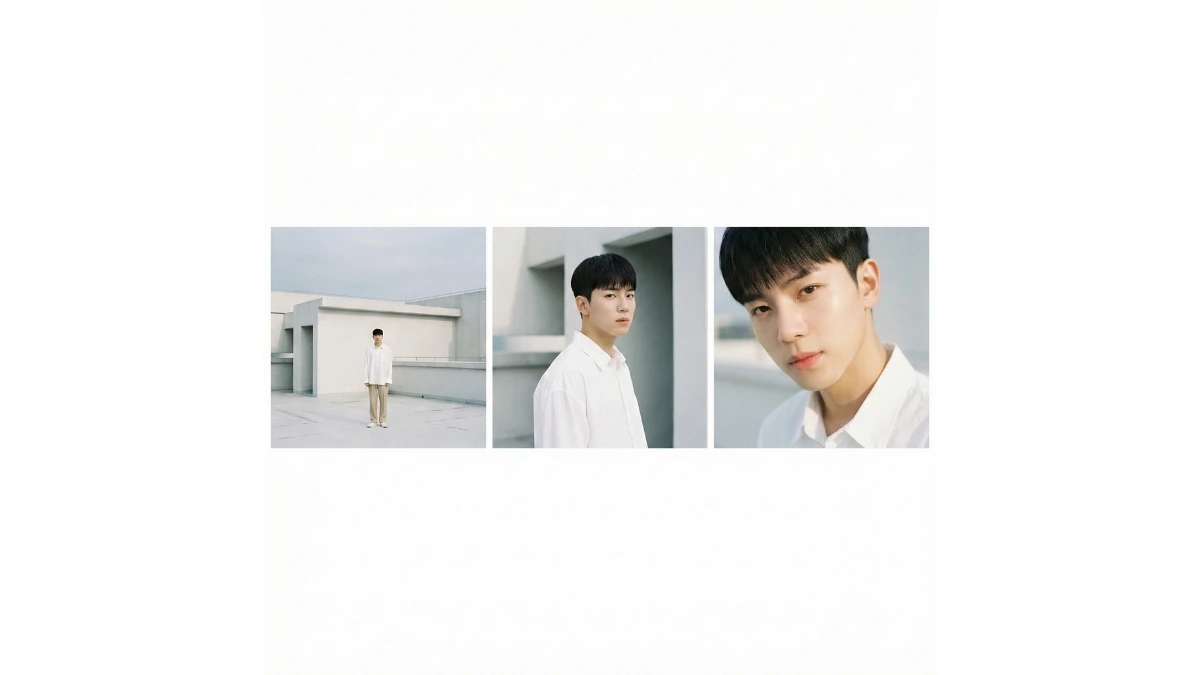
Prompt 6: Minimal White Rooftop Geometry Triptych
Use This:
"Create a clean cinematic horizontal triptych on a modern white rooftop. Preserve my real face exactly.
Frame 1: Wide minimal architecture shot with subject small in frame.
Frame 2: Medium portrait against geometric wall lines.
Frame 3: Close-up portrait with soft reflected light.
Wardrobe: white oversized shirt, neutral trousers. Palette is whites, soft greys, and skin tones. Add subtle film grain and modern editorial finish."
Best for: Minimalist Instagram grids, editorial portfolios
Cinematic Sci-Fi Portrait Prompts - Try Now!
Prompt 7: Sunset Silhouette Rooftop Layers
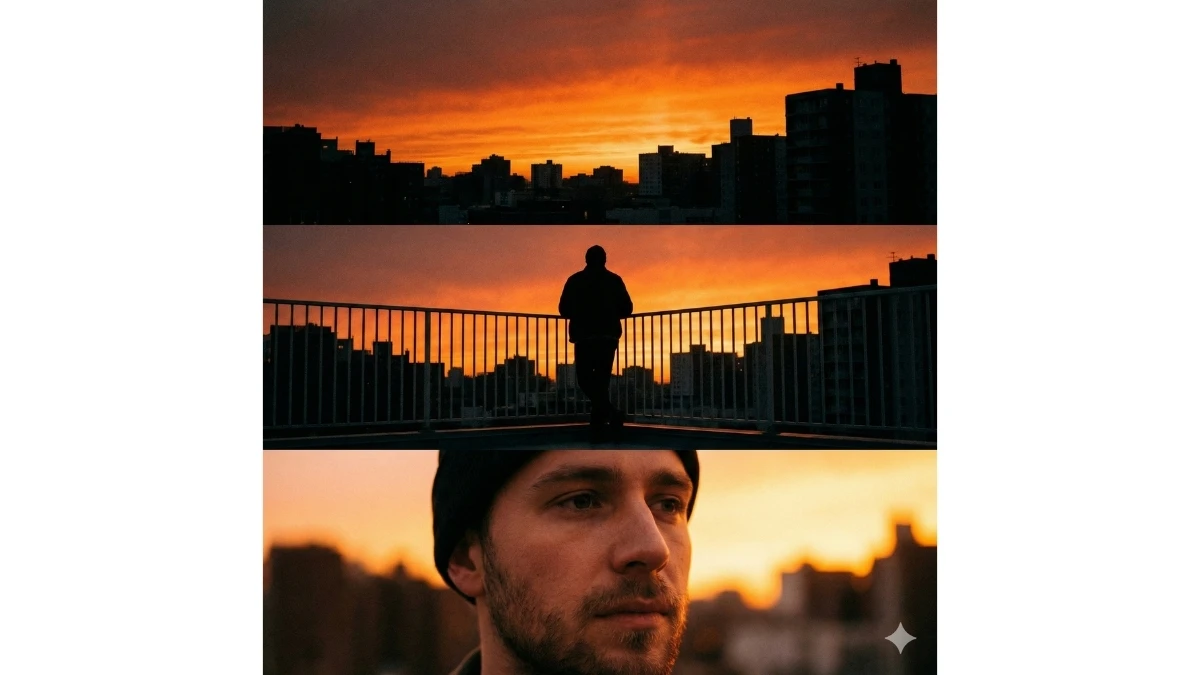
Use This:
"Create a vertical 3-layer cinematic portrait on a rooftop during sunset. Use my real face accurately.
Top Layer: Fiery orange sky with silhouetted buildings.
Middle Layer: Subject in silhouette, standing at railing.
Bottom Layer: Close-up portrait softly lit by reflected sunset glow.
Apply warm tones, cinematic contrast, and soft grain."
Best for: Aesthetic sunset edits, emotional reels, profile highlights
Prompt 8: Rooftop Streetlight Cinematic Stack
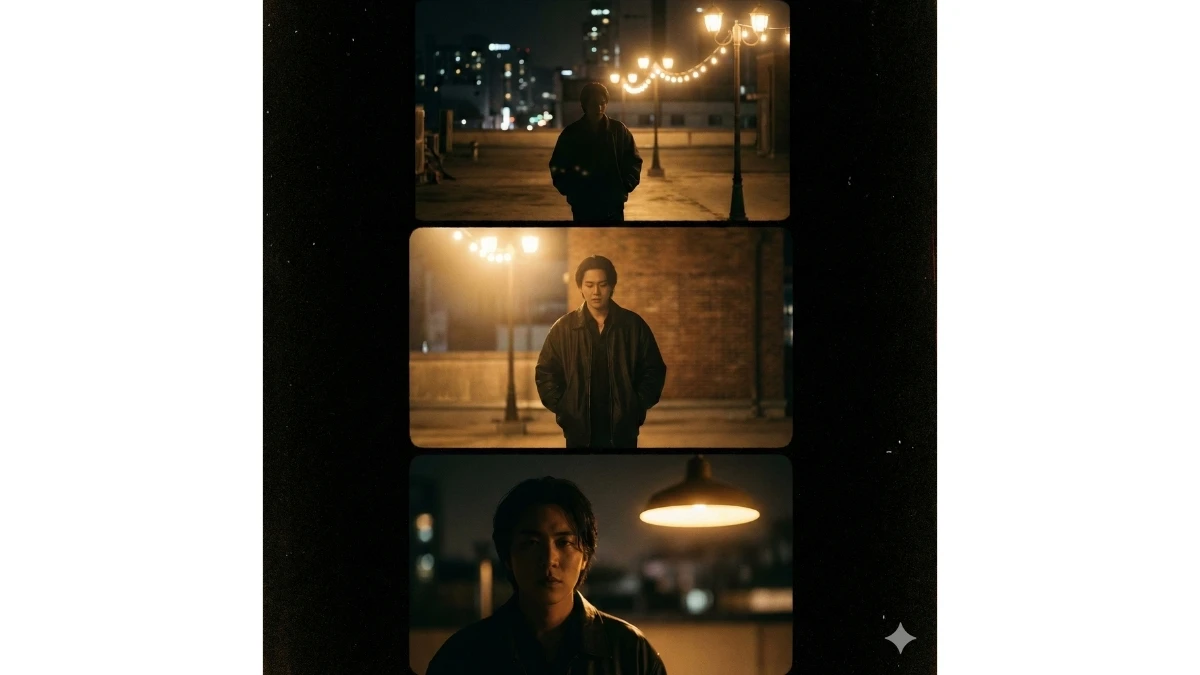
Use This:
"Create a cinematic vertical stack portrait under rooftop streetlights at night.
Layer 1: Wide rooftop with glowing streetlights.
Layer 2: Mid-shot walking slowly, hands in pockets.
Layer 3: Close-up portrait lit by a single warm light.
Wardrobe: dark oversized jacket. Use warm highlights, deep shadows, shallow depth, and film grain."
Best for: Urban Instagram edits, cinematic night portraits
MUST TRY - Spot 3 Differences in 7 Seconds
Prompt 9: Foggy Rooftop Mystery Panels
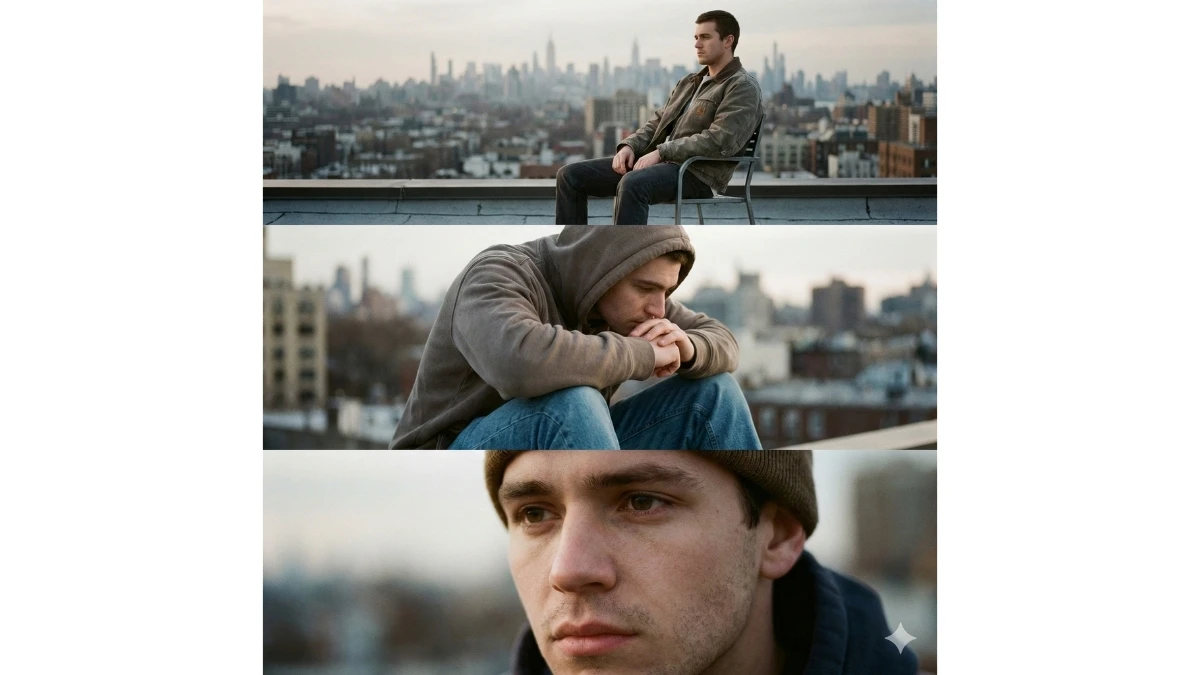
Use This:
"Create a horizontal 3-panel cinematic portrait on a fog-covered rooftop at dawn.
Frame 1: Subject barely visible in fog.
Frame 2: Mid-shot emerging from mist.
Frame 3: Close-up portrait with fog diffused light.
Color palette is cool greys and soft whites. Add cinematic haze and grain."
Best for: Mystery aesthetics, artistic Instagram posts
Prompt 10: Rooftop Chair Introspection Layers
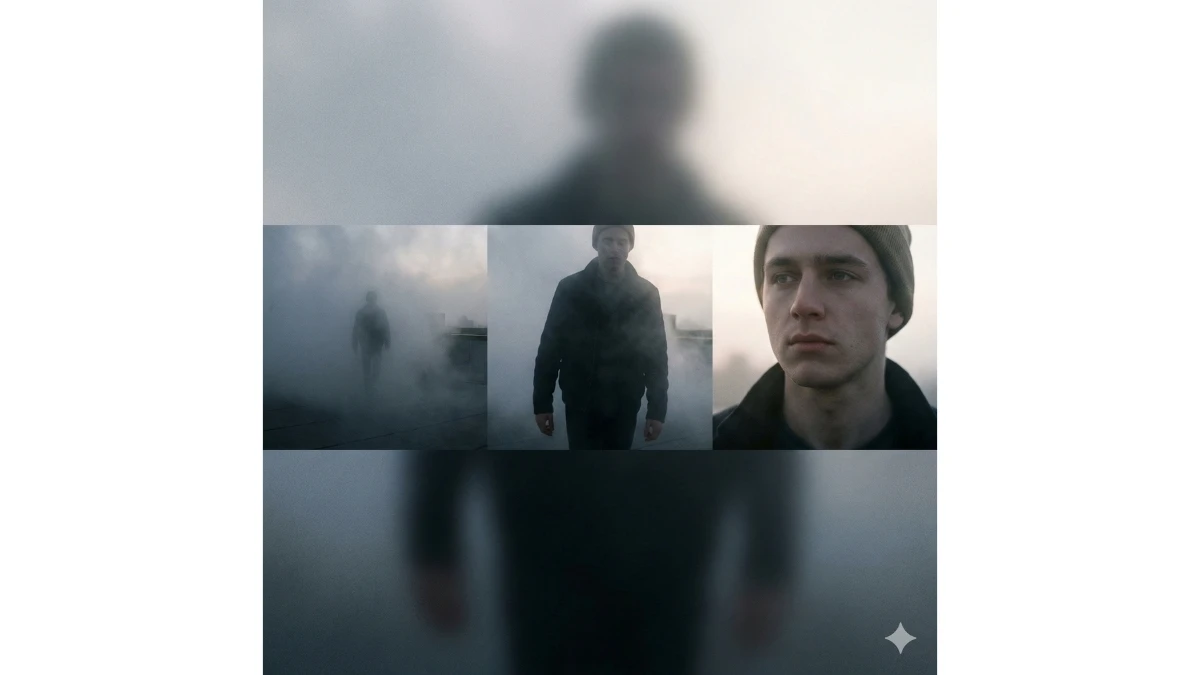
Use This:
"Create a cinematic vertical 3-layer portrait with the subject seated on a rooftop chair.
Layer 1: Wide shot with city skyline.
Layer 2: Mid-shot leaning forward, elbows on knees.
Layer 3: Close-up introspective portrait.
Lighting is soft daylight, neutral tones, cinematic grain."
Best for: Emotional portraits, lifestyle reels, calm feeds
Moody Cinematic Portrait Prompts for Boys - Try Now!
Image Credits: Google Gemini AI