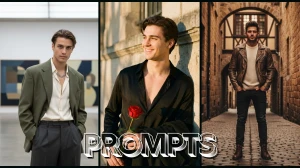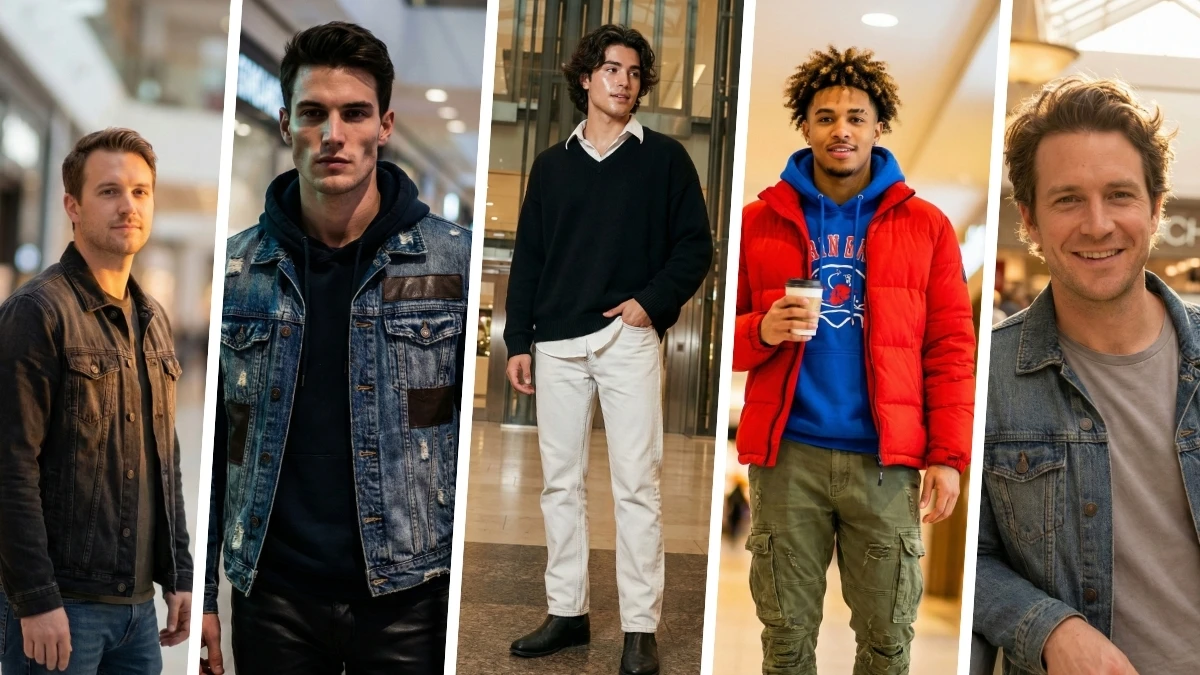

Google Gemini makes it easy to turn a basic boy’s selfie into a mall-style portrait that looks like it was shot in a premium shopping complex.
With the right prompt, you can upgrade simple mobile photos into ultra-realistic, fashion-style images with studio lighting, branded outfits, and glossy mall backgrounds that are perfect for Instagram, WhatsApp, or YouTube thumbnails.
By combining a clear reference photo with smart text commands, Gemini keeps the real face and expressions while transforming everything else into a high-end, trendy mall photoshoot vibe.
How to create the image
-
Open Gemini on the web or app (gemini.google.com or Gemini mobile app).
-
Go to the image/photo section or start a new chat where image upload is enabled.
-
Upload a clear, well-lit selfie of the boy (face visible, no heavy filters).
-
Type a prompt like: “Turn this into a stylish mall-style portrait, ultra-realistic 4K, keep the same face, age, and skin tone.”
-
Add details if needed: outfit style, lighting (mall studio lights), and background (inside modern shopping mall).
-
Hit generate and wait for the result, then download the best version to your gallery.
Join This Channel for Trending AI Image Prompts - CLICK HERE
Google Gemini AI Photo Editing Prompts for Boys to Turn Simple Photos into Stylish Mall-Style Portraits
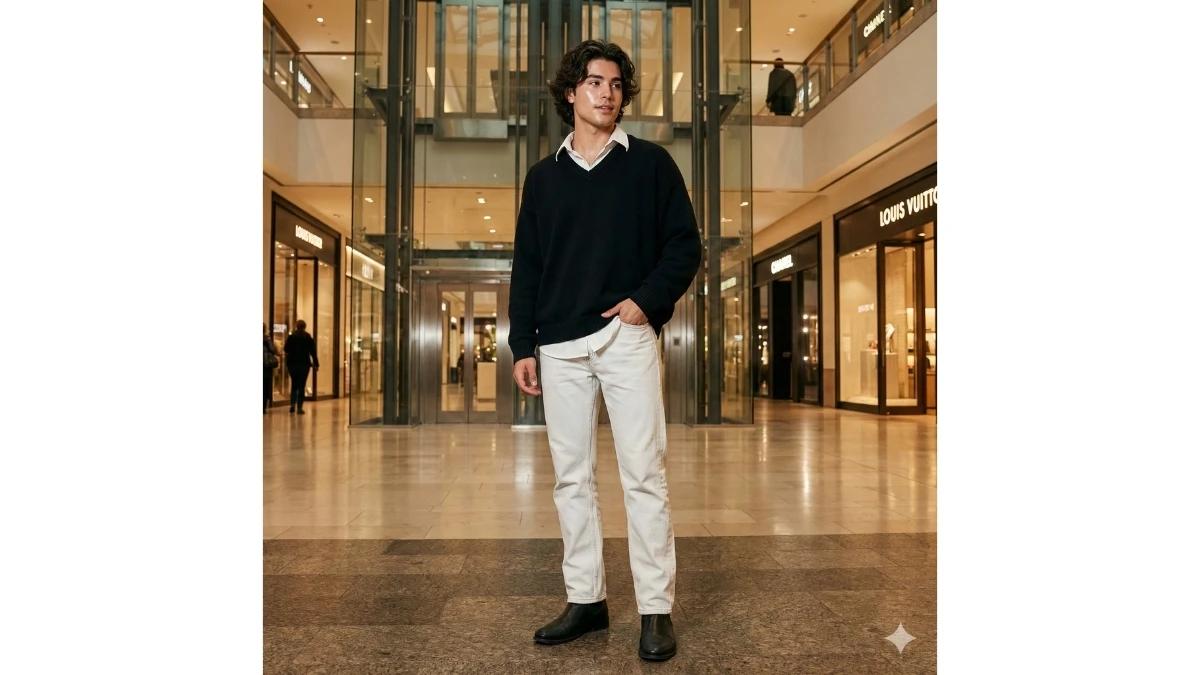
Prompt 1: Photorealistic Full-Body Portrait of a Stylish Young Man in a Modern Shopping Mall
Use This:
"Create a photorealistic, full-body portrait of a stylish young man in a modern, upscale shopping mall. The young man has thick, wavy dark hair, glowing skin with a Korean skincare texture. He is dressed in a white collared shirt under a vintage oversized V-neck black sweater, paired with straight-fitting, faded white jeans and sleek black boots. One hand is casually tucked into his pocket while he poses near the lift area. The scene is shot in 8K resolution, with hyper-realistic, cinematic lighting that highlights his detailed textures. The image should reflect high detail as though it was captured on a DSLR camera, maintaining a consistent look with the same face throughout. Focus on elegance, casual style, and sharp attention to detail in the mall environment."
Best For: Fashion, Street Style, and Lifestyle Photography
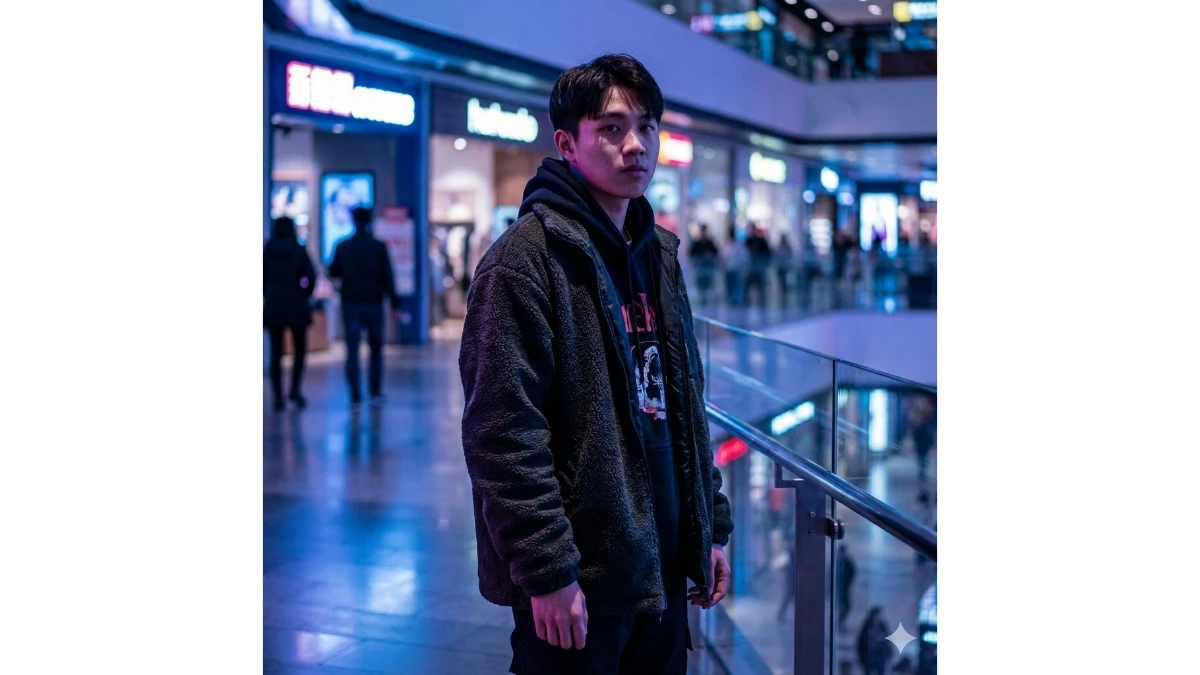
Prompt 2: Urban Neon Vibes
Use This:
"Transform the original photo into a vibrant urban mall setting. Add cool, neon hues of blue and purple lighting in the background, simulating the ambiance of modern city malls. Enhance the subject’s outfit texture, particularly if it includes streetwear, with sharp details and clean lines. Adjust shadows and highlights to create a cinematic effect, with strong contrast and saturated colors. Incorporate soft bokeh effects and subtle reflections on glossy surfaces to enhance the futuristic mall atmosphere. The lighting should cast dramatic yet flattering shadows on the face, adding a bit of edge to the portrait."
Best for: Streetwear portraits
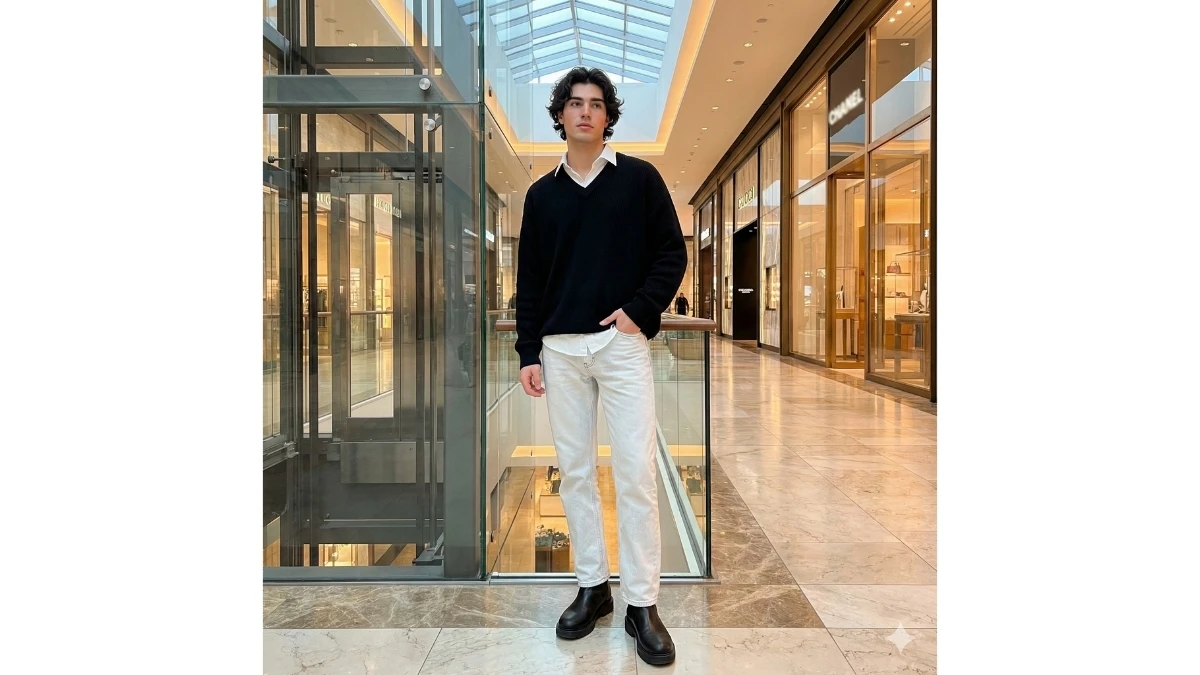
Prompt 3: Photorealistic Full-Body Portrait of a Stylish Young Man in a Modern Shopping Mall
Use This:
"Create a photorealistic full-body portrait of a stylish young man in a modern, upscale shopping mall. The young man has thick, wavy dark hair and glowing skin with a Korean skincare texture. He is dressed in a white collared shirt layered under a vintage oversized V-neck black sweater, paired with straight-fitting, faded white jeans and black boots. One hand is casually tucked into his pocket, and he stands near the lift area in a relaxed yet stylish pose. The image should be rendered in 8K resolution with hyper-realistic details, featuring cinematic lighting that enhances the textures and overall composition. The image should appear as if captured with a DSLR camera, with a consistent look across the scene and the same face throughout. Ensure high attention to detail, creating an elegant and casual atmosphere within the mall environment."
Best For: Fashion Photography, Lifestyle Portraits, and Street Style Photography
7 Trending Google Gemini AI Couple Photo Editing Prompts - Try Now!
Prompt 4: Cinematic Editorial Portrait of a Boy in a Mall with Stylish Lighting
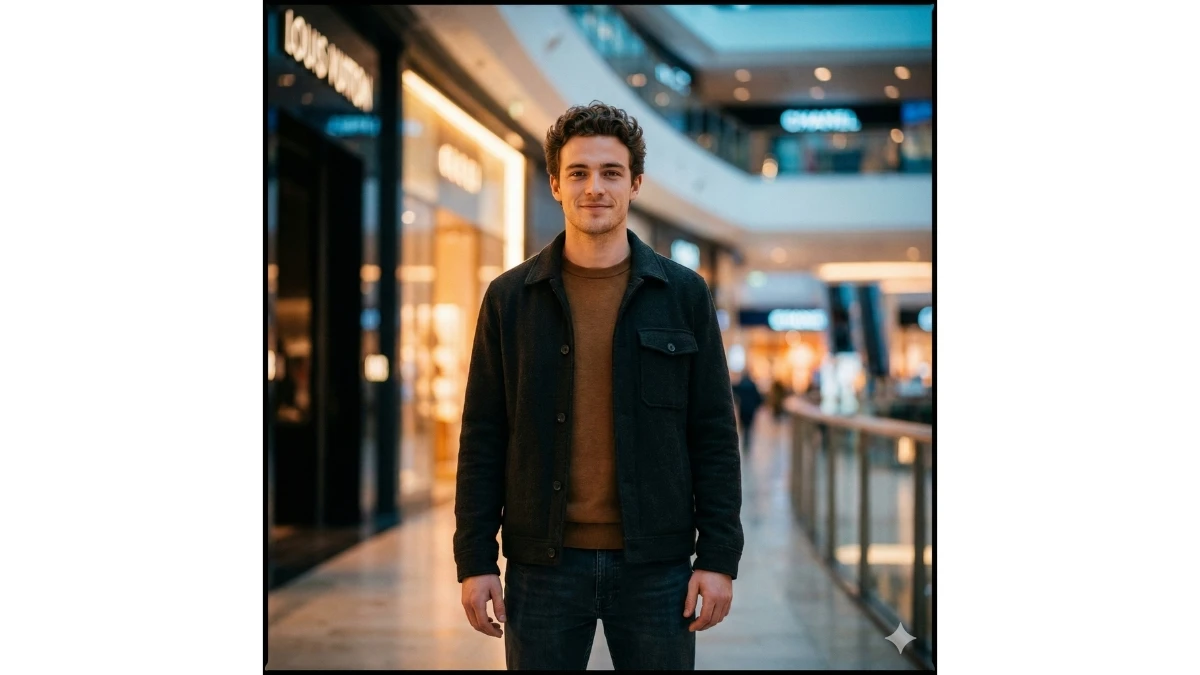
Use This:
"Transform a simple portrait of a boy standing in a mall into a highly polished, Instagram-worthy editorial shot. Create cinematic mall lighting with soft warm highlights on the boy's face, balanced with subtle cool shadows in the background to add depth. Incorporate a shallow depth-of-field effect, blurring mall signage and lights into soft bokeh shapes while ensuring the boy remains sharply in focus. Enhance the skin tone with natural smoothing, keeping realistic facial details intact, especially around the eyes, lips, jawline, and hair texture. Boost the contrast slightly, deepening the shadows under the cheekbones and jawline for enhanced facial definition. Intensify the colors of his clothing, enriching the blacks, earth tones, and providing detailed texture to jeans and fabrics without oversaturation. Add soft rim lighting around the boy's shoulders and hair to simulate LED reflections from nearby mall storefront lights. Introduce a subtle film grain for a premium editorial finish and apply a very light vignette to ensure the focus remains on the subject. The overall aesthetic should be modern, stylish, and perfect for a polished Instagram fashion feed with ideal mall ambiance lighting and a glossy, professional finish."
Best For: Fashion Portrait Photography, Editorial Fashion Shoots, Instagram Fashion Content
Prompt 5: Cinematic Mall Style with Subtle Warm Highlights
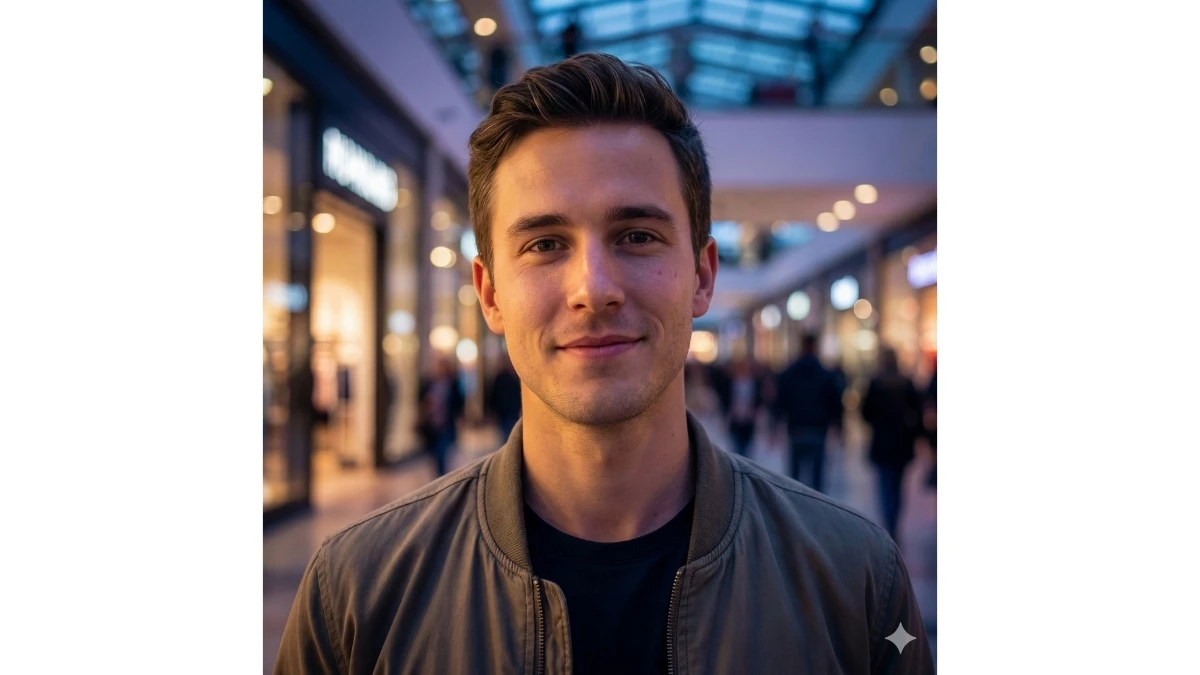
Use This:
"Transform a simple photo into a cinematic mall-style portrait with soft, warm highlights on the face and cool shadows in the background. Add a shallow depth of field with bokeh that blurs the background but keeps the subject sharp. Smoothen the skin subtly while keeping natural details. Use slight rim lighting to define the shoulders and hair, with an overall polished Instagram-ready aesthetic."
Best For: Instagram Editorial Portraits
Prompt 6: Street Style with Bold Contrast and Sharp Detail
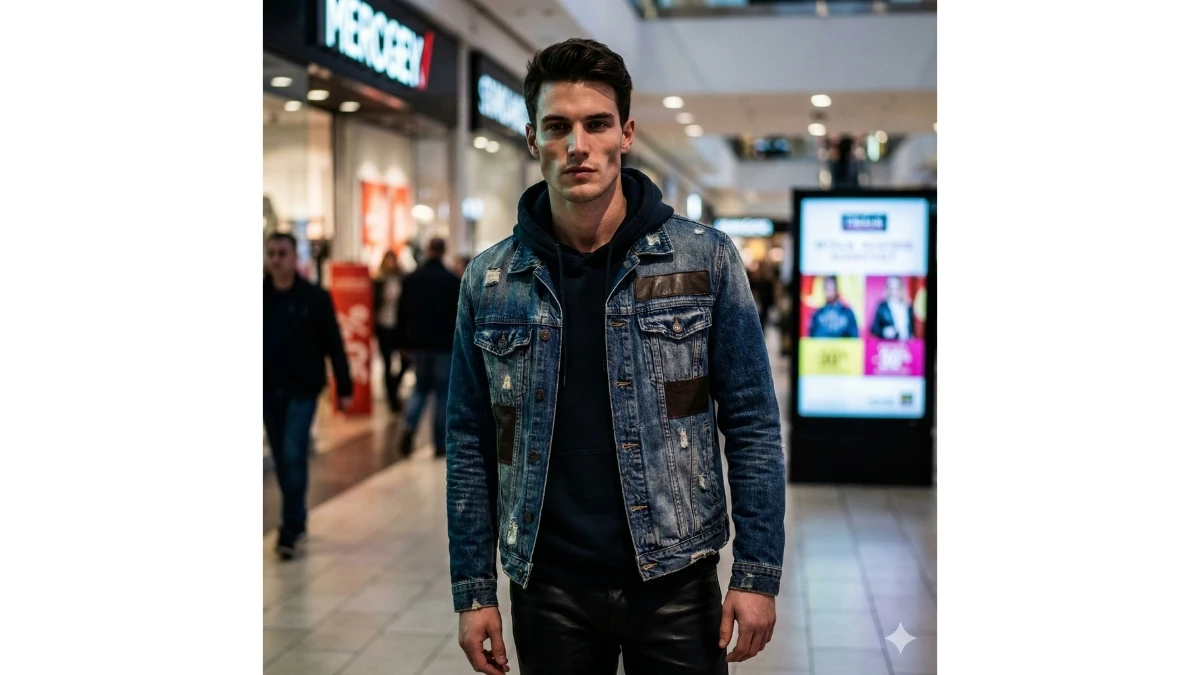
Use This:
"Create a bold, street-style look with high contrast, emphasizing sharp details in clothing, especially fabric textures like denim and leather. Deepen shadows under the cheekbones for facial definition while keeping the skin tone natural. Enhance the depth of field with a blurred mall environment and focus solely on the subject, with lighting that mimics the sharp neon reflections of mall storefronts."
Best For: Street Style Photography
MUST TRY - Spot the Number 43 in 8 Seconds
Prompt 7: Soft Glow with Ambient Mall Lighting
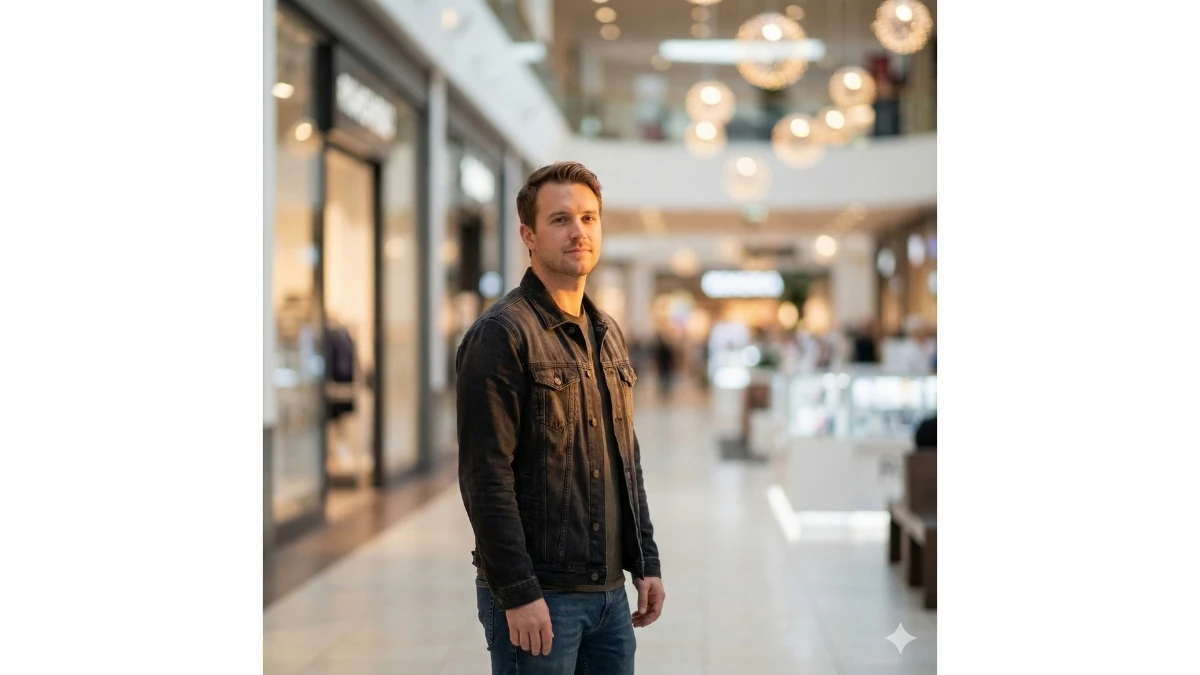
Use This:
"Enhance a simple mall photo by introducing soft glow lighting with ambient mall lighting reflections, especially on the skin and clothing. Apply a subtle glow on the skin and create a dreamy soft-focus background with shallow depth of field. The subject should remain in sharp focus, dressed in trendy casual wear, capturing the relaxed vibe of the modern mall."
Best For: Lifestyle and Fashion Portraits
Prompt 8: Vibrant Streetwear with Pop of Color
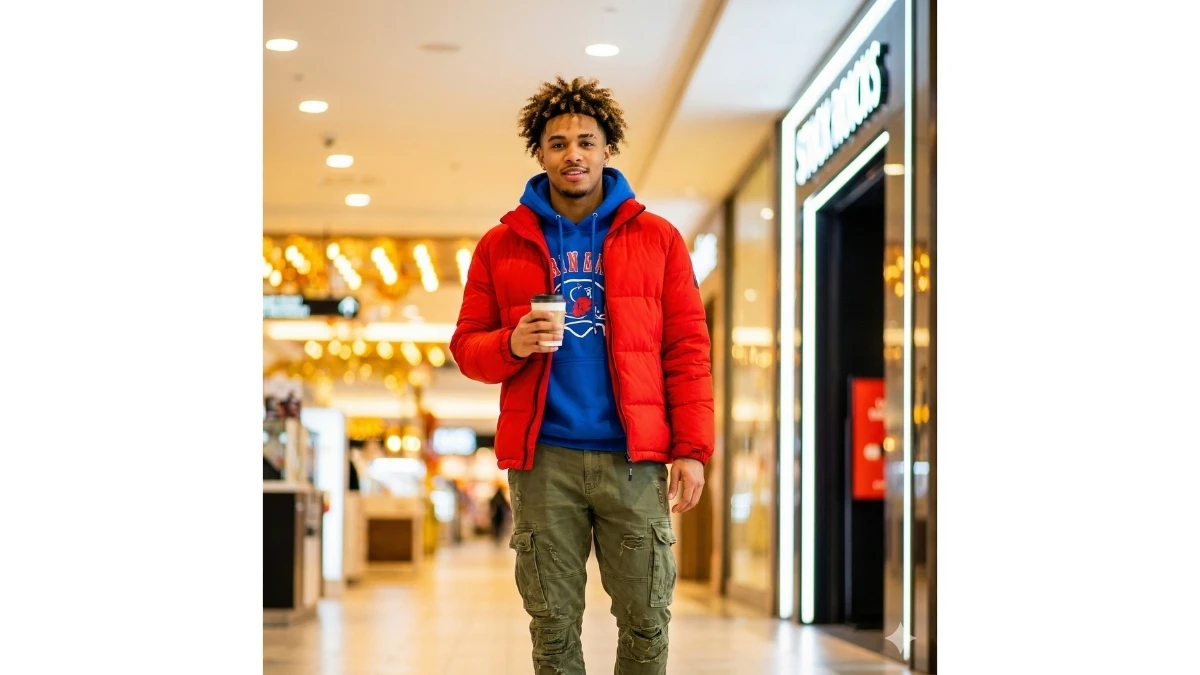
Use This:
"Turn a basic photo into a trendy streetwear portrait by boosting the vibrancy of the outfit. Use a pop of color to bring out bold red, blue, or green hues in jackets or accessories. Add clean, sharp lighting and enhance the mall's lighting to match the fashion-forward look of the subject, while blurring the background slightly to emphasize the subject."
Best For: Trendy Fashion Photography
Prompt 9: Monochrome Elegance with Soft Bokeh
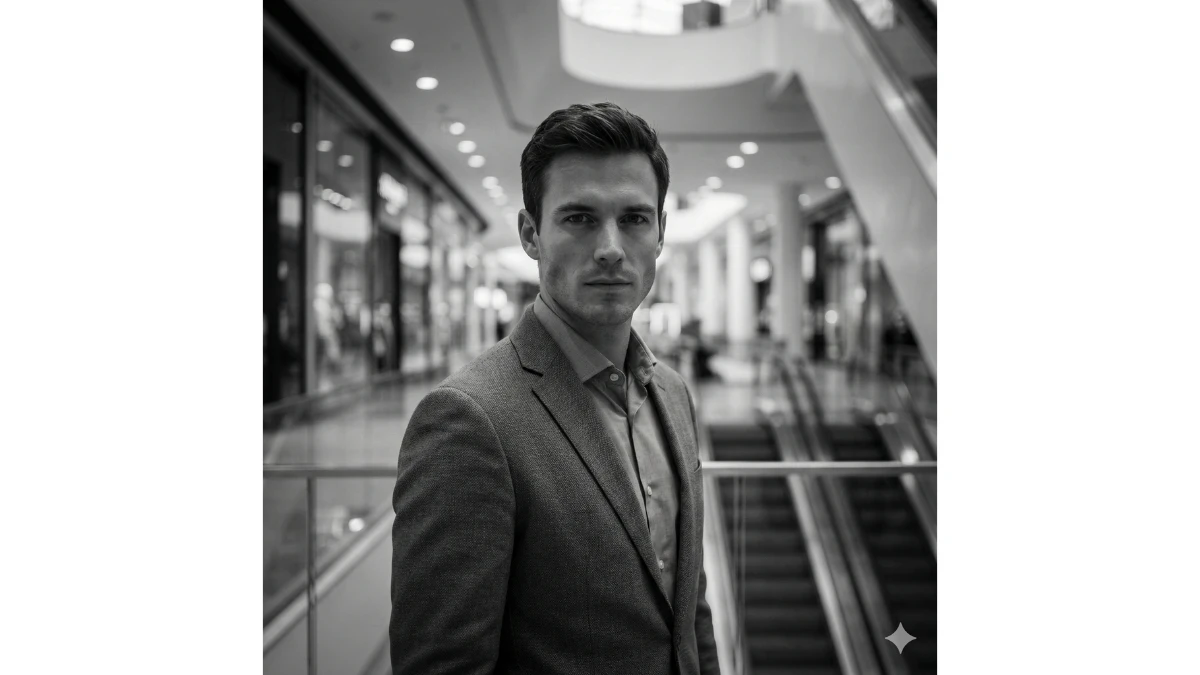
Use This:
"Transform the photo into a monochrome masterpiece with smooth black and white tones. Use soft bokeh in the background, making sure the subject is sharply defined. Apply cinematic lighting to highlight the subject's face, adding subtle shadows under the cheekbones for structure. The clean, modern aesthetic should reflect a high-end mall atmosphere."
Best For: Editorial Fashion Photography
12 Google Gemini AI Photo Editing Prompts for Stunning Girls' Portraits - Try Now!
Prompt 10: Cool Minimalism with Glossy Textures
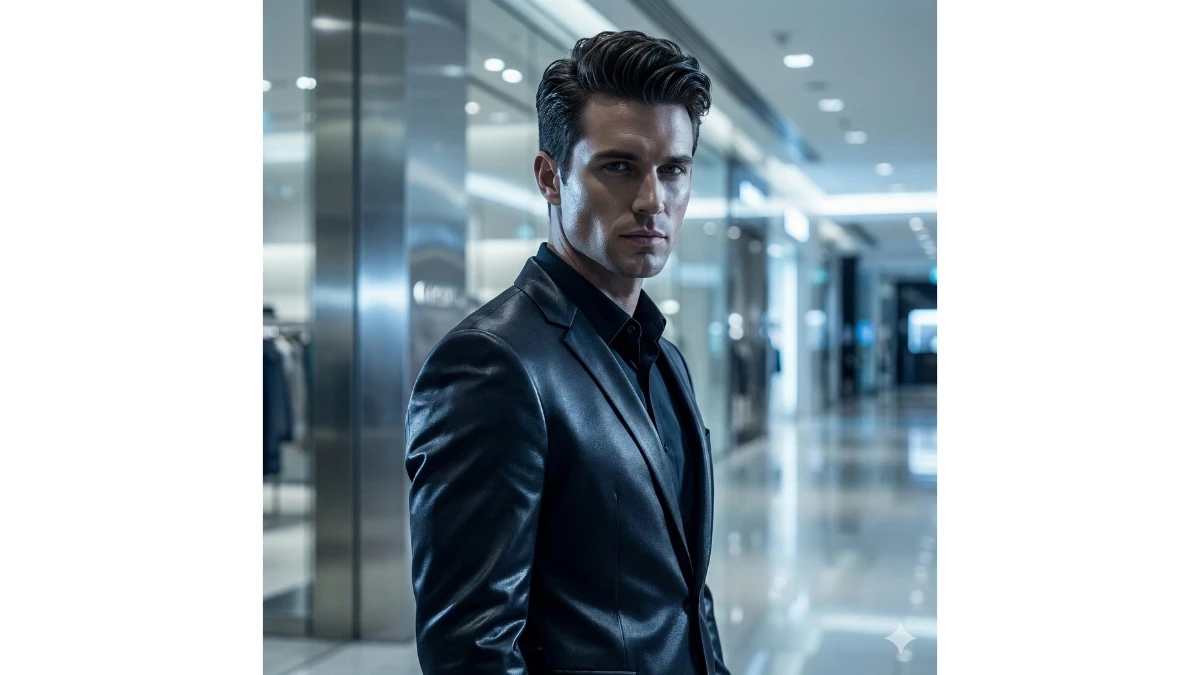
Use This:
"Create a minimalist style with smooth, glossy textures that reflect high-end mall fashion. The subject should have soft, cool-toned lighting with subtle highlights around the edges. Deepen shadows on the face to add structure, while creating a highly polished look for the background with a soft, blurred effect that keeps the focus on the subject."
Best For: Modern Fashion Feeds
Prompt 11: Casual Cool with Natural Mall Lighting
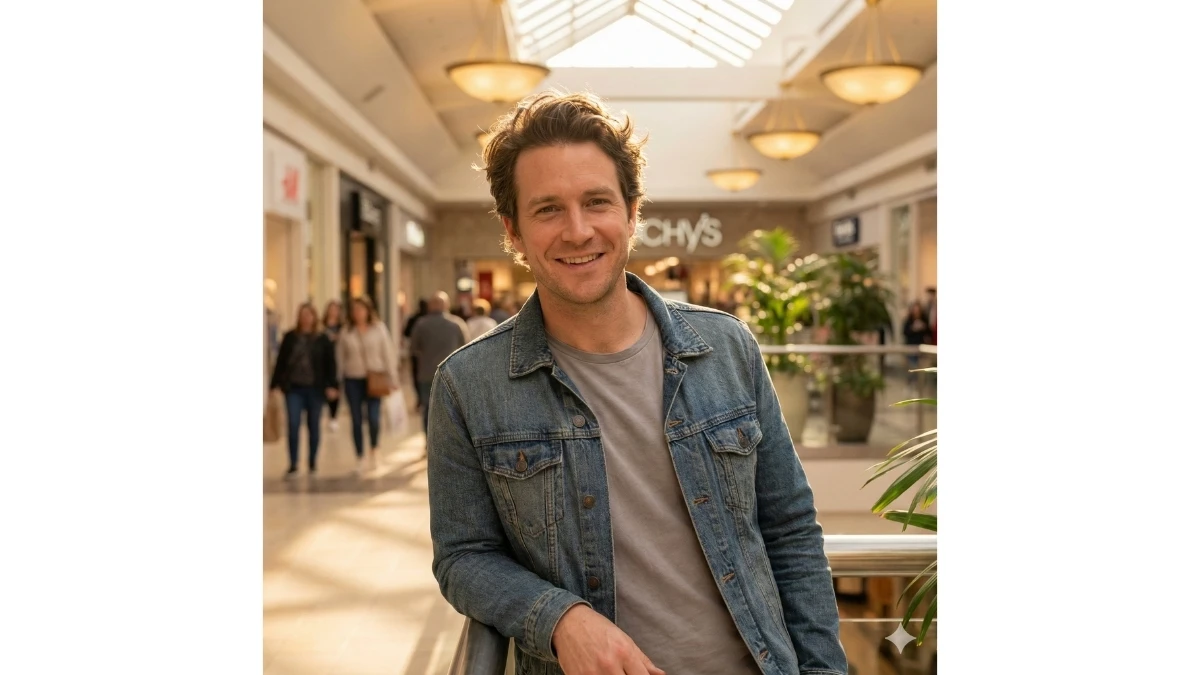
Use This:
"Transform the photo into a relaxed yet stylish portrait by incorporating natural mall lighting that enhances the subject's casual wear. Use warm lighting to complement the subject’s outfit, creating a soft glow effect around the hair and shoulders. The background should have minimal blur to reflect the lively mall environment, but the subject should remain the focal point."
Best For: Casual Lifestyle Portraits
Prompt 12: High-Contrast, Nighttime Mall Vibes
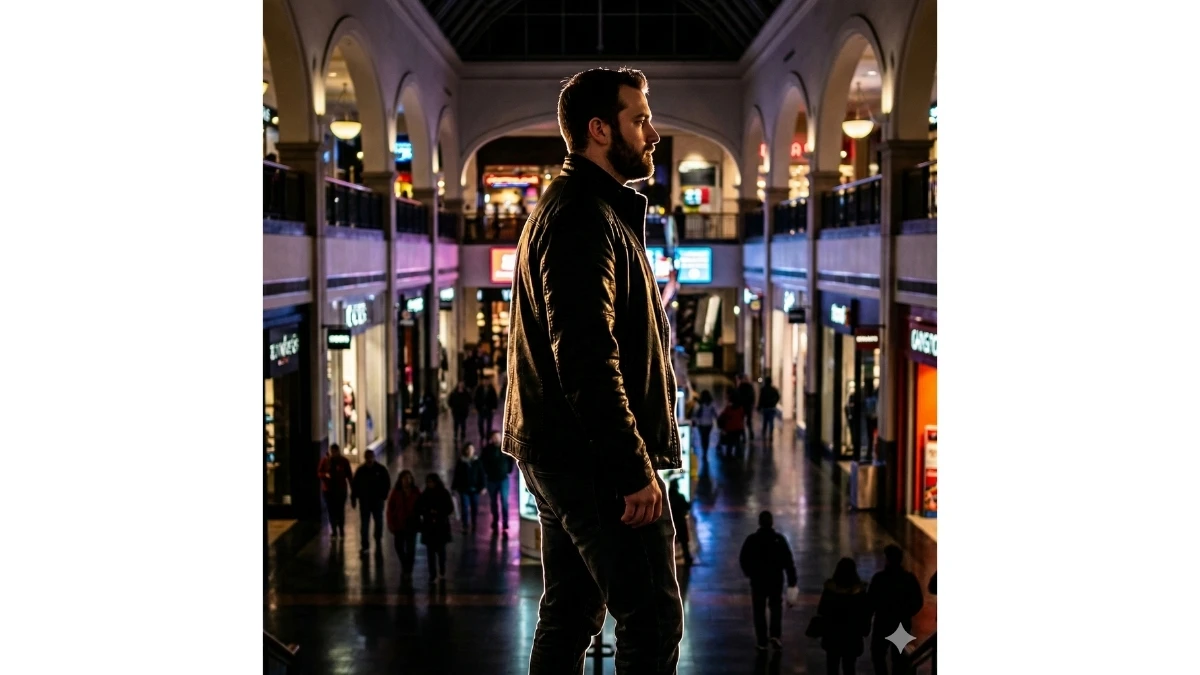
Use This:
"Create a nighttime mall aesthetic with high contrast and deep shadows, reflecting a vibrant mall atmosphere lit by artificial lights. Enhance the contrast of the subject's clothing, especially dark hues like black jackets or coats. Add rim lighting around the subject to create sharp definition against the darker mall background."
Best For: Nighttime Fashion Portraits
MUST TRY - Spot 3 Differences in Penguin Pictures
Prompt 13: Refined Elegance with Professional Lighting
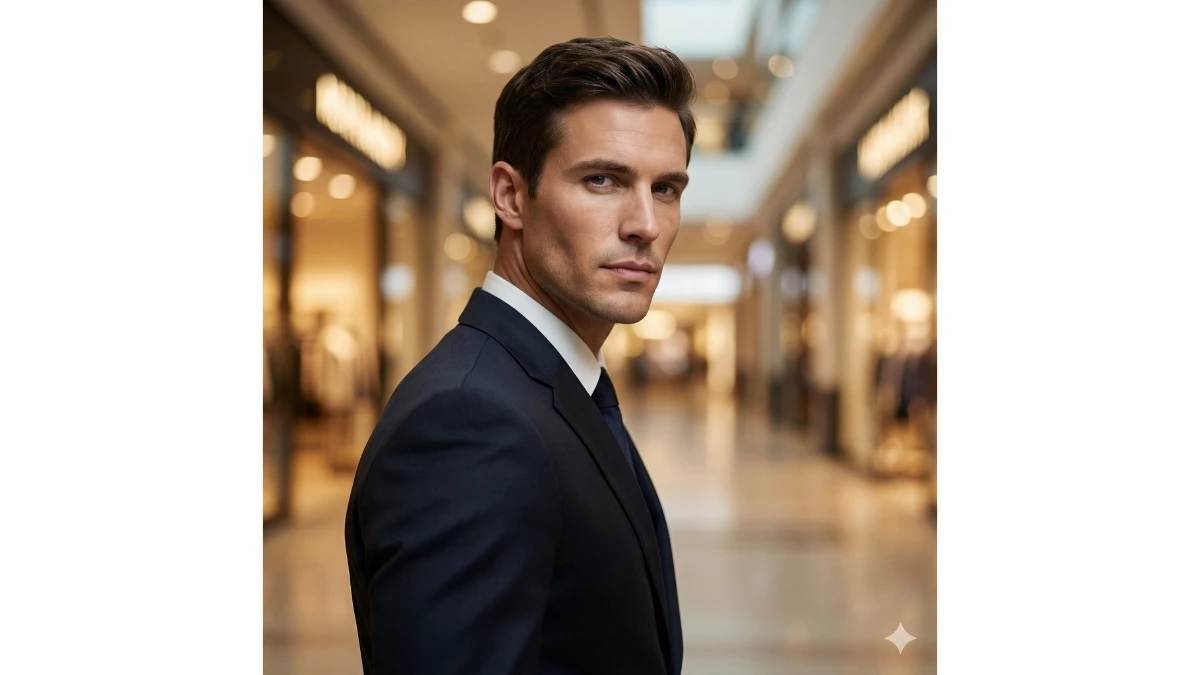
Use This:
"Refine a basic photo into an upscale, high-fashion portrait by incorporating professional lighting that highlights the subject’s sharp features. Use soft shadows for depth, ensuring that the subject’s skin texture remains smooth and natural. The background should have a soft-focus bokeh, emphasizing the subject’s elegance and style within the mall's chic environment."
Best For: Upscale Fashion Photography
Prompt 14: Crisp and Sharp with Architectural Background
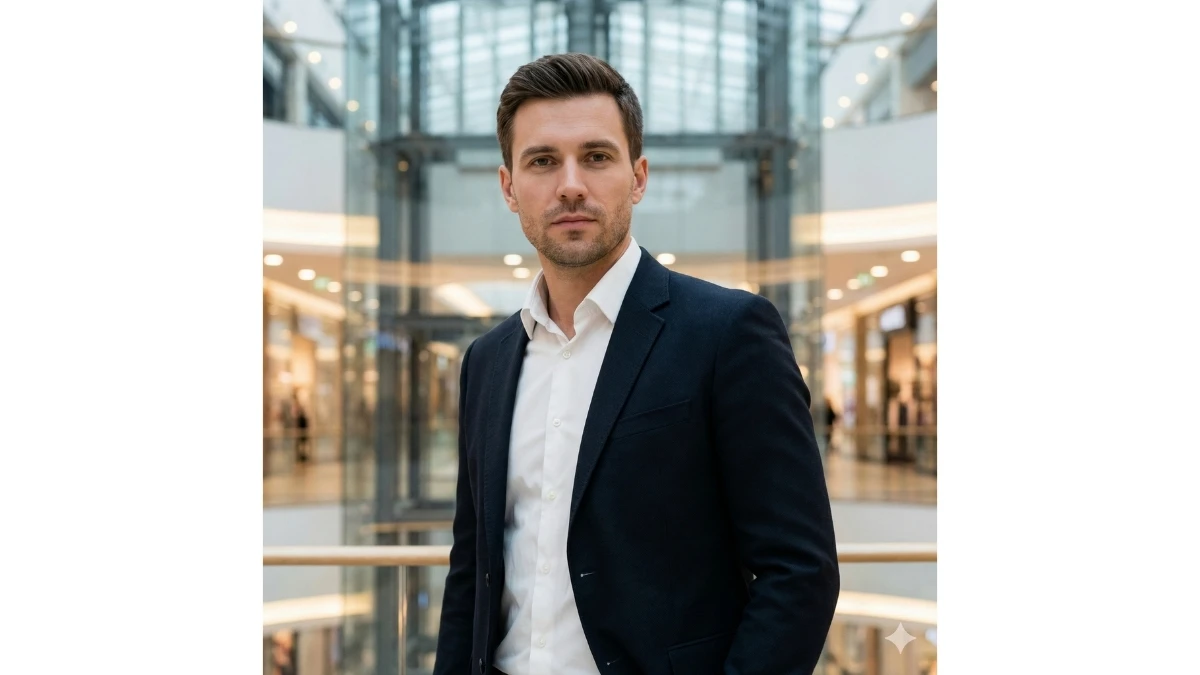
Use This:
"Use sharp, clean lines to highlight the subject’s clothing and facial features, creating a crisp portrait. The background should incorporate architectural elements of the mall, with a sharp contrast between the modern design and the soft, glowing lighting on the subject. Focus on the subject’s stylish pose, enhancing the clean-cut aesthetic."
Best For: Urban Fashion Photography
Prompt 15: Relaxed Portrait with Soft Mall Lighting
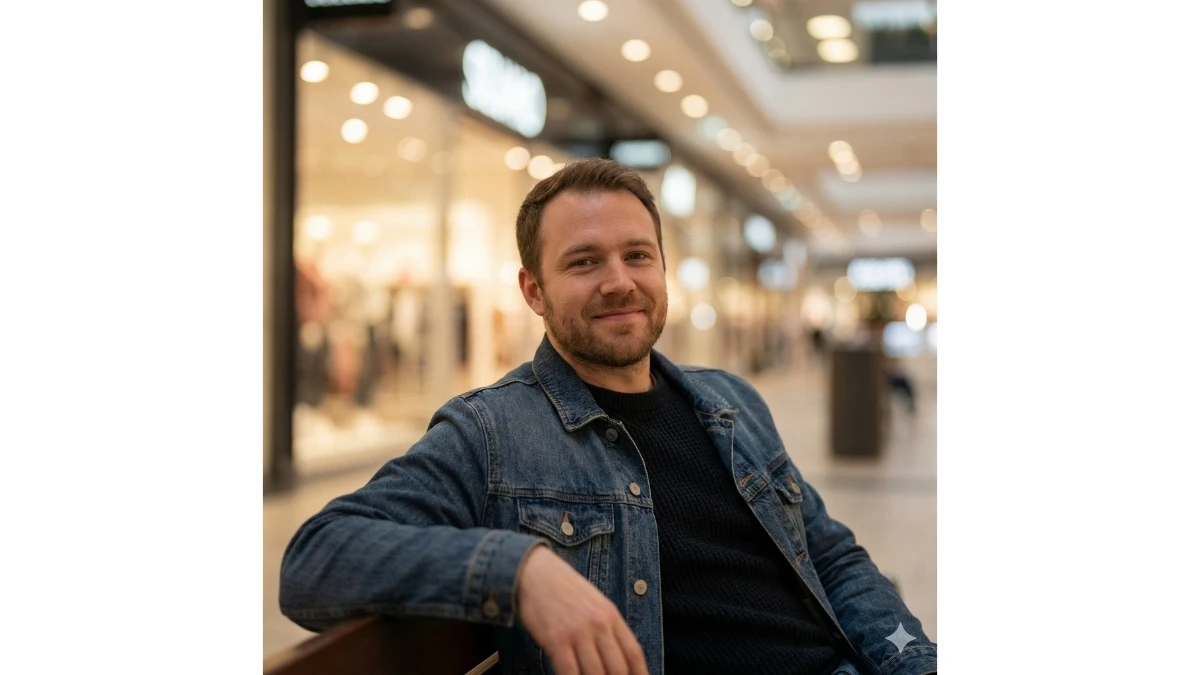
Use This:
"Create a relaxed yet stylish portrait with soft, natural lighting that mimics the soft glow of a mall’s ambient light. Keep the subject’s facial features sharp while applying a smooth focus on their casual outfit. The background should remain subtle, creating a soft, bokeh effect that complements the peaceful, stylish vibe of the mall."
Best For: Fashion Lifestyle Photography
10 Trending Google Gemini AI Photo Editing Prompts for Stylish Boys' Portraits - Try Now!
Image Credits: Google Gemini AI