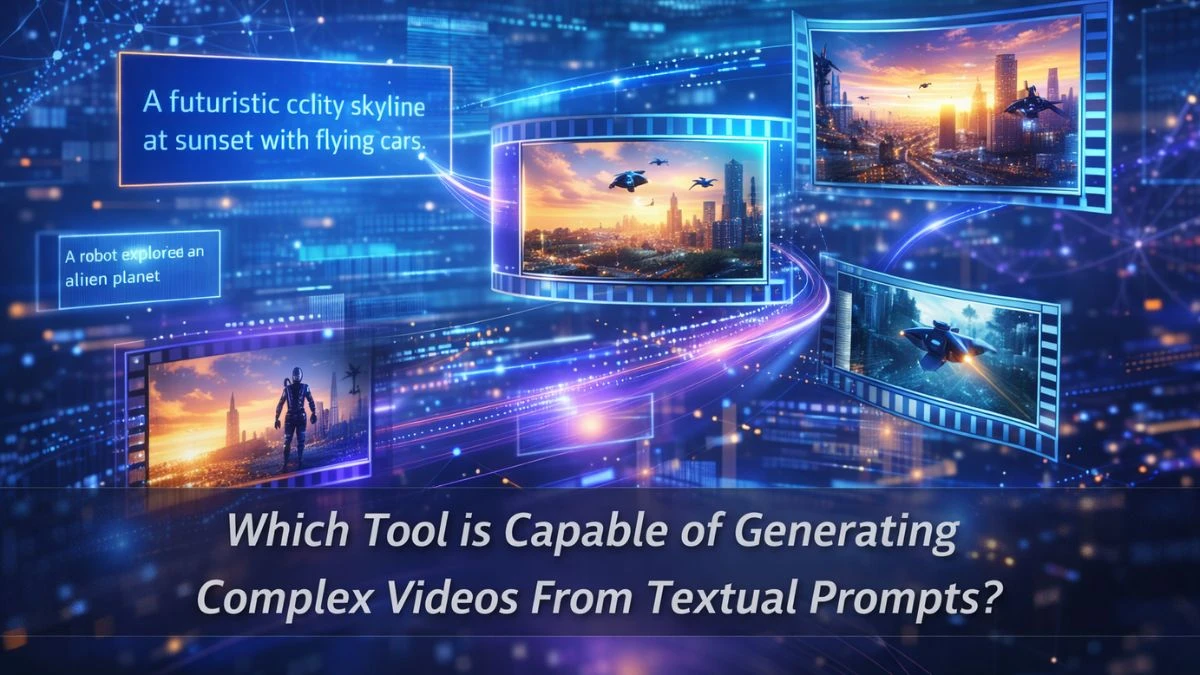

Which Tool is Capable of Generating Complex Videos From Textual Prompts?
The tool most widely known for generating genuinely complex videos from textual prompts is Runway’s Gen-2 (and newer Gen series), a multimodal AI video model built specifically for text‑to‑video, image‑to‑video, and video‑to‑video creation.
It sits in that sweet spot between “research lab toy” and “real production tool,” which is why it keeps showing up in creator workflows, agency decks, and even indie film pipelines. Some teams use it just for quick mood clips; others actually stitch Gen‑2 outputs into client campaigns when budgets are tight, but ideas are big.
Part of the appeal is that Runway isn’t just a model hidden behind an API; it’s a full platform with timelines, layers, and export tools, so it feels closer to an editor than a black‑box generator.
That’s also why many non‑technical creators gravitate to it first before experimenting with the more experimental or closed‑beta tools.
What are the Features of Runway ML?
Runway ML (specifically its Gen‑2+ models) offers text‑to‑video, image‑to‑video, video stylization, inpainting, outpainting, motion control, and full AI‑assisted editing in one browser‑based workspace.
At a practical level, this means a creator can type “a cinematic drone shot over neon city streets in the rain,” choose a style, nudge camera motion, and get a short clip without touching a traditional 3D or VFX tool.
Some standout capabilities:
-
Multiple input modes – pure text‑to‑video, text + image, image‑only animation, and video‑to‑video transformations.
-
Style & motion controls – camera motion options, motion brush to animate specific regions, and style transfer across frames for a consistent look.
-
Video inpainting & outpainting – remove or replace elements in footage, extend scenes, and re‑skin environments with generative fills.
-
Cloud‑based workflow – no need for local GPUs; everything runs in the browser with exports ready for Premiere, Resolve, or any NLE.
In real use, people often mix it with traditional tools: generate the raw sequence in Runway, then refine timing, audio, and text overlays in a classic editor. That hybrid approach tends to produce more professional results than “one‑click magic video” expectations.
How Does Runway ML Work?
Runway ML works by sending your prompts, reference images, or base videos to its cloud‑hosted generative models, which then synthesize new video frames that match the described scene, style, and motion.
Under the hood, Gen‑2 is a multimodal model trained on massive paired datasets of visuals and text so it can map language like “slow tracking shot, shallow depth of field” into actual camera‑like behavior over time.
From a user’s perspective, the flow looks more like a creative sandbox than a strict pipeline:
-
Enter a detailed text prompt (and optionally upload an image or clip).
-
Pick a mode (text‑to‑video, image‑to‑video, video stylization, etc.).
-
Tweak settings like duration, aspect ratio, style, and camera motion.
-
Generate, review, and regenerate or extend until the sequence feels right.
The catch: outputs are still short (seconds, not full movies), so complex projects usually involve chaining multiple clips and editing them together. For many creators, that limitation pushes better planning of storyboards, shot lists, and “prompt boards” become part of the process.
Other Tools Generating Complex Videos From Textual Prompts
Besides Runway, several other AI tools can generate videos from text prompts, though they differ a lot in depth and control. Some focus on cinematic, physics‑aware scenes; others lean more toward social‑media‑ready edits or template‑driven explainers.
A few notable names in the current wave:
-
Pika – popular for short, stylized clips and meme‑able content; good for vertical Reels and TikToks.
-
Kling – known for longer clip lengths (up to around 2 minutes) and strong motion coherence, especially useful for storytelling sequences.
-
Luma / Google Veo / Sora‑style models – more experimental or gated but pushing realism, scene physics, and narrative continuity.
Template‑plus‑AI tools (Invideo, Renderforest, Canva, etc.) – convert scripts into structured, edited videos with stock footage, transitions, and voiceovers, which is powerful for marketing and explainers, even if the “world simulation” is less advanced.
Right now, no single tool is perfect for everything: Runway is strong on creative control and editing, Kling on length, Pika on social formats, and the template tools on speed for business content.
For most teams, the smartest move is to treat these as a toolkit, pick the model that fits the specific job, then stitch the results together into something that feels intentional, not just “AI for the sake of AI.”
Disclaimer
This content is for informational purposes only and does not constitute technical, financial, or professional advice. AI tools, features, and capabilities change rapidly; users should verify current specifications, pricing, and usage terms directly w