
Top 5 Best Laptops For Video Editing in 2026
If you’re editing video seriously in 2026, whether that’s YouTube, weddings, client ads, or short films, these five laptops all hit that sweet spot where performance, thermals, and screens actually help you finish projects instead of fighting your timeline.
Each one leans into a different kind of creator, but all of them can comfortably handle 4K multi‑layer edits and modern codecs when configured sensibly.
1. Apple MacBook Pro 16‑inch – Still the “it just works” machine
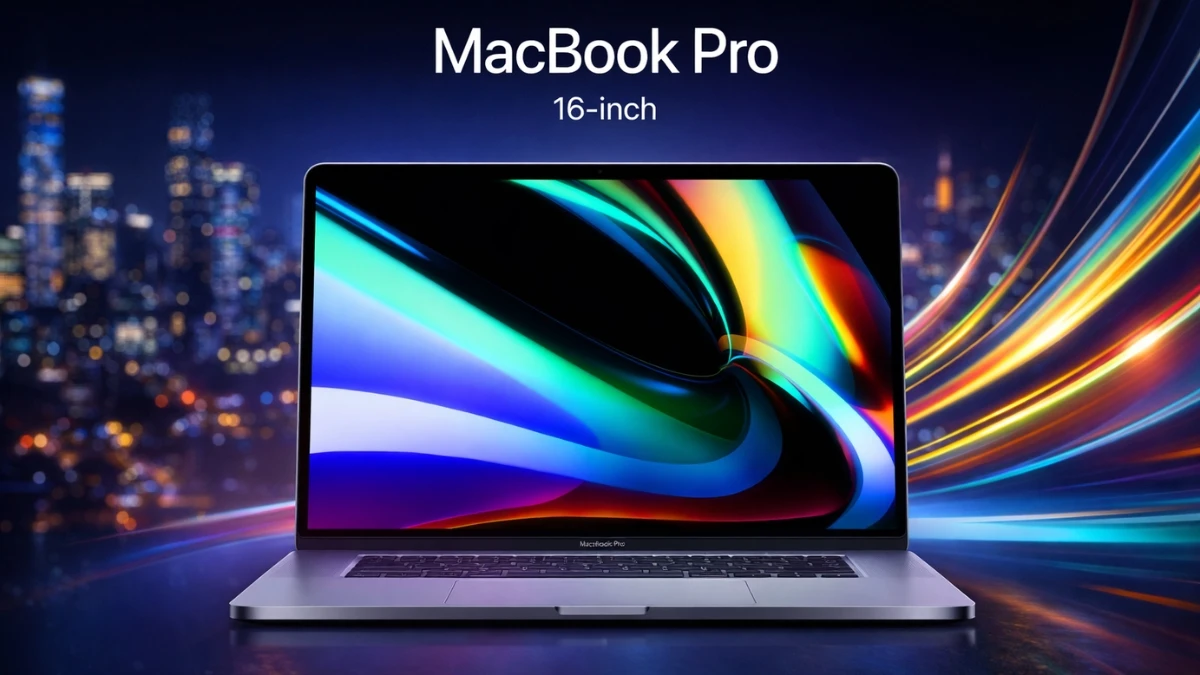
The 16‑inch MacBook Pro is still the most stress‑free laptop for video editing in 2026 if you’re okay living in the macOS world.
Apple’s latest chips with dedicated media engines are built to chew through ProRes, H.264 and H.265 footage, and reviewers have repeatedly shown them scrubbing heavy 4K and even 8K timelines in Final Cut, Premiere Pro, and DaVinci Resolve without dropped frames.
The display is a huge part of why editors keep gravitating back to this machine: the mini‑LED Liquid Retina XDR panel delivers up to around 1,000 nits sustained and 1,600 nits peak brightness with excellent color accuracy, so grading doesn’t feel like guesswork.
Battery life is another quiet superpower; Apple quotes “up to 24 hours,” and long‑term users still report full editing sessions on battery without fans screaming or performance falling off a cliff.
Anecdotally, a colorist friend who swapped from a chunky Windows workstation to a 16‑inch MacBook Pro said the biggest surprise wasn’t export times, it was how boring the laptop felt: no crashes, no weird driver issues, no surprise thermal throttling.
Just open timeline, edit, deliver. Not very romantic, but when a client is waiting, boring reliability is worth more than RGB any day.
Is it worth it to buy?
Yes, if you care about stability, battery, and color more than raw spec sheets. It’s expensive, but for editors who bill hours, the time saved (and headaches avoided) tends to pay for itself over a couple of busy seasons.
2. ASUS ProArt P16 – The creator workhorse with an OLED punch
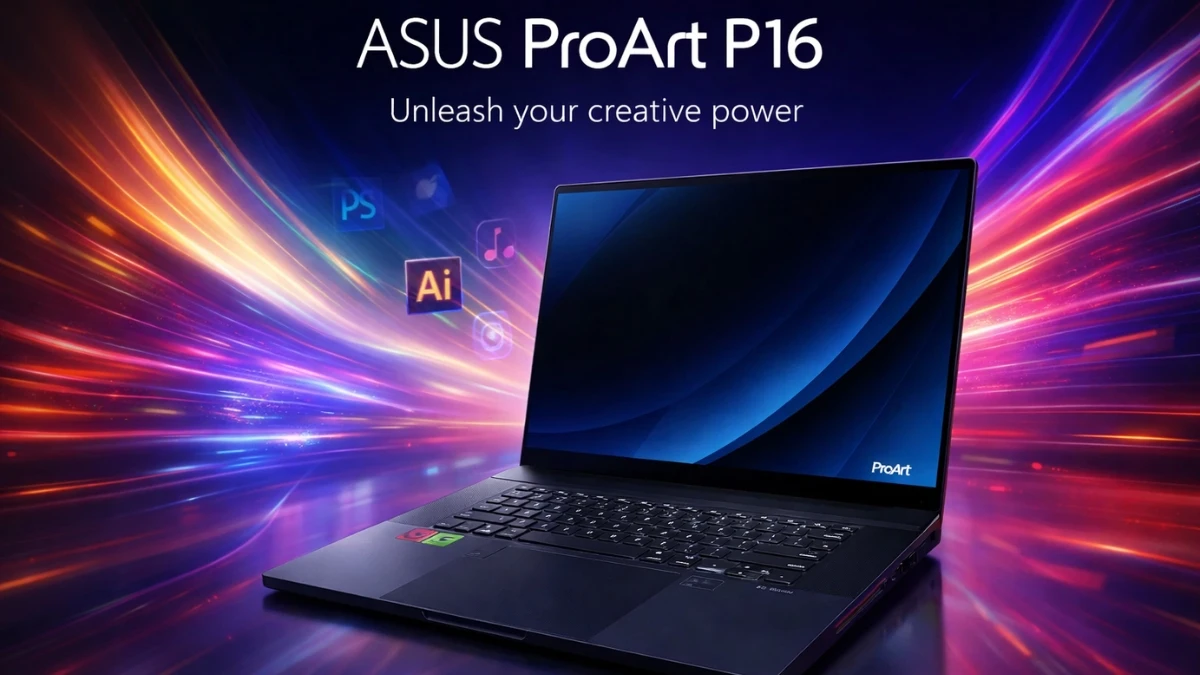
The ASUS ProArt P16 is arguably the most purpose‑built Windows laptop for creators right now, and that shows the moment you drop a 4K project on it.
ASUS equips it with up to a GeForce RTX 50‑series GPU and creator‑tuned drivers, which means fast encoding/decoding, smooth 10‑bit 4:2:2 playback, and accelerated AI effects in apps like Premiere and Resolve.
The Lumina Pro OLED display is where it feels a bit special: up to 4K resolution, deep blacks, and HDR peak brightness rated up to 1,600 nits, with a 120 Hz refresh and VRR for buttery timeline scrubbing.
In hands‑on reviews, editors call out the screen as “stunning,” with excellent contrast, even if real‑world brightness benchmarks come in a bit under ASUS’s theoretical numbers.
One wedding filmmaker described cutting a same‑day edit on the P16 in a dim banquet hall: the OLED let them see shadow detail clearly while everyone else was watching the couple’s first dance.
Meanwhile, the RTX GPU pushed through noise reduction and color presets without the “play… stutter… wait” rhythm that kills your creative flow.
Is it worth it to buy?
For Windows‑based editors who want a serious grading screen and GPU power in one machine, yes, it’s absolutely worth it. It’s not the cheapest, but compared to cobbling together a separate OLED monitor and tower, the value for working creators is very strong.
3. Dell XPS 16 / 17 – The quiet professional
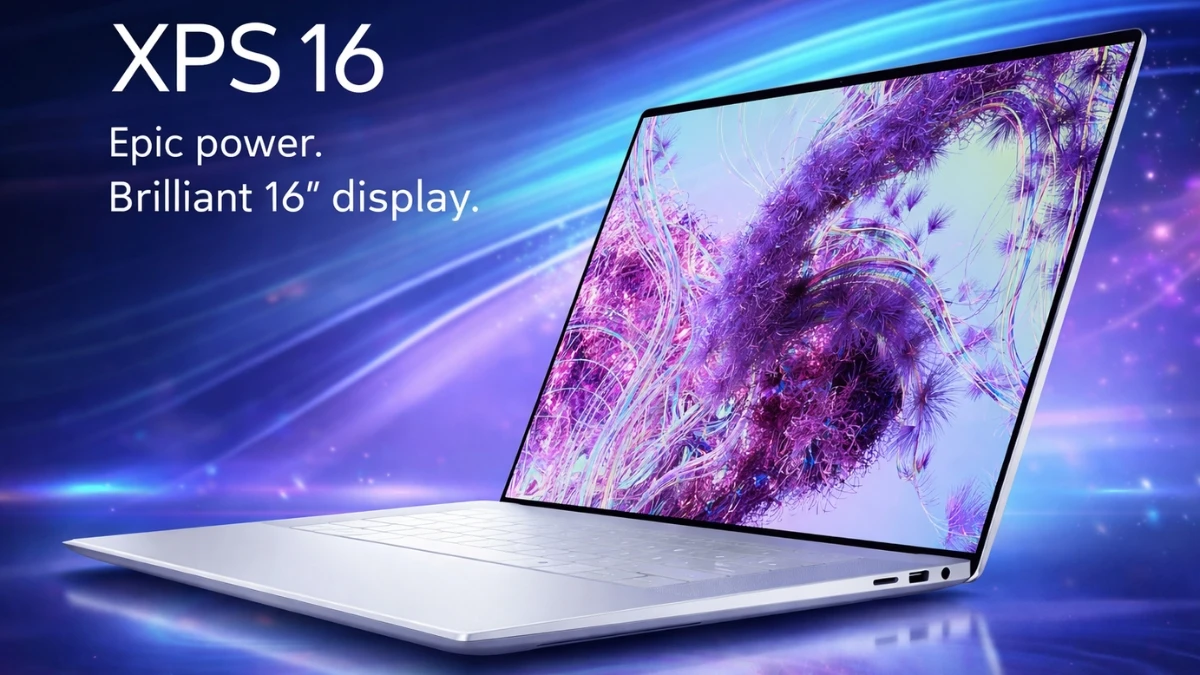
The Dell XPS 16 and 17 are the understated choice: they don’t scream “gaming,” but they quietly deliver the performance you need for professional video work.
Configurations with high‑end Intel or AMD CPUs plus Nvidia RTX graphics handle multi‑track 4K timelines, color correction, and light VFX without drama, especially when paired with plenty of RAM and fast NVMe storage.
Their strength lies in balance. You typically get good color‑accurate displays, solid build quality, and thermals that don’t instantly spin fans to jet‑engine levels under load.
Many freelance editors like them because they can take the same laptop into a client meeting without looking like they just walked out of a LAN party.
The bigger 17‑inch variant is particularly nice for timeline‑heavy workflows – more room, fewer panels stacked on top of each other.
One corporate video editor shared that the XPS 17 became the “office standard” after a year of random laptop failures from other brands.
Not because it was the flashiest, but because IT stopped getting calls about crashes during live edits. Quietly reliable is underrated in video land.
Is it worth it to buy?
If you want a clean, professional Windows laptop that can handle serious editing while still looking like a business machine, the XPS line is worth the investment. You’re paying for a well‑rounded package rather than only chasing the highest GPU number.
4. Razer Blade 18 Studio Edition (2026) – Basically a portable editing room
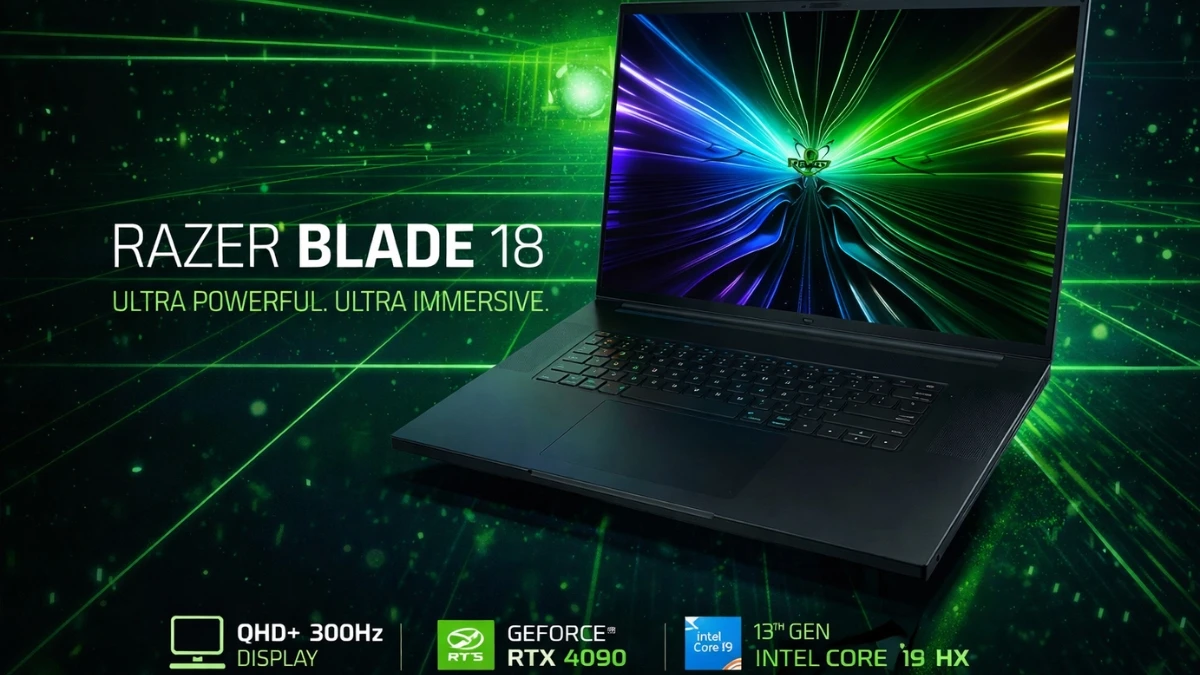
The Razer Blade 18 Studio Edition is for the editor who secretly wants a desktop, but life keeps demanding portability.
With up to an RTX 50‑series (or high‑end RTX 40‑series in earlier configs) and Nvidia Studio certification, it’s built as a creator‑class machine, not just a gaming toy.
The 18‑inch display is the main event: versions with 4K resolution and high refresh rates give you a huge canvas for timelines, scopes, and full‑screen previews, and G‑Sync plus Studio drivers help keep playback smooth even when projects get heavy.
Reviews consistently praise its raw performance and desktop‑replacement feel, while also warning about predictable trade‑offs: it’s big, it’s not gentle on battery, and you’ll want it near a power outlet for long renders.
A YouTuber who moved their entire editing workflow onto a Blade 18 said it was the first laptop where they stopped missing their tower, 8K proxies, heavy color, and AI effects all felt “normal,” just louder when the fans ramped up.
They joked it was “a workstation with a handle,” which, honestly, is exactly the point.
Is it worth it to buy?
If you’re a power user – editing long‑form content, 8K, or doing a lot of VFX – and you want one machine that can travel and still feel like a studio setup, it’s worth it. For lighter editors, it’s probably overkill, in the best, wallet‑painful way.
5. ASUS TUF Gaming F16 – Budget‑friendlier, but surprisingly capable

The ASUS TUF Gaming F16 isn’t marketed as a “creator” laptop first, but under the gamer branding sits a very capable video editing machine for the price.
With modern Intel/AMD CPUs and mid‑range RTX GPUs, it can drive 4K timelines, handle GPU‑accelerated effects, and push through exports at speeds that would have been “high‑end” just a couple of years ago.
The trade‑offs are what you’d expect: the display, while decent, usually won’t match a ProArt OLED or MacBook XDR panel for color‑critical grading, and the chassis may flex a bit more.
But for editors just starting out, students, or side‑hustle creators, it’s a realistic way to get proper GPU power without jumping straight into premium workstation pricing.
A film student mentioned cutting their entire short‑film festival submission on a TUF laptop in hostel rooms, cafes, and trains. Was the fan noise subtle? Absolutely not.
But did it handle Premiere projects with layered sound design and color LUTs? Yes – and that was what mattered at their budget.
Is it worth it to buy?
If you’re budget‑conscious but serious about learning editing, it’s definitely worth considering. Just pair it with a decent external monitor down the line for more accurate color, and you’ve got a very capable starter setup that doesn’t drain your savings on day one.
Quick Comparison Table:
| Laptop | Key performance notes (video editing) | Approx. price in India (2026)* |
|---|---|---|
| Apple MacBook Pro 16‑inch (M3 Max) | Fantastic 4K/8K timeline performance thanks to M‑series media engines; very stable in Final Cut, Premiere, and DaVinci; great thermals and battery for long edits. | Around ₹3,40,000–₹4,10,000 for higher‑end M3 Max models depending on RAM/SSD. |
| ASUS ProArt P16 (2025/2026 OLED) | Creator‑grade RTX GPU plus powerful CPU; excellent 4K OLED panel with high brightness and color accuracy; built specifically for heavy creative workloads and multi‑layer 4K timelines. | Roughly ₹3,50,000–₹3,70,000 for high‑spec OLED / RTX variants. |
| Dell XPS 16 / 17 | Strong CPU + RTX GPU options; good color‑accurate displays; handles multi‑track 4K editing reliably without looking like a gaming rig. | Typically ₹2,50,000–₹3,50,000+ depending on size and configuration (exact 2026 SKUs vary by market). |
| Razer Blade 18 Studio Edition (2025/2026) | Desktop‑class performance with RTX 50‑series options; huge 18‑inch high‑refresh display great for timelines and scopes; easily chews through heavy 4K/8K and VFX work but runs hot and power‑hungry. | Commonly ₹3,80,000–₹4,50,000+ depending on GPU (RTX 5070/5080/5090) and RAM. |
| ASUS TUF Gaming F16 | Strong mid‑range CPU + RTX graphics; good enough panel for basic grading but not at ProArt/MacBook level; handles 4K timelines and GPU‑accelerated effects surprisingly well for the price. | Often in the ₹1,10,000–₹1,70,000 range depending on config and ongoing discounts. |
*Prices are approximate street/online prices around late 2025–early 2026, based on India listings and global reviews; actual offers, sales, and configs will move these up or down.
Disclaimer: The information presented is based on available specifications, reviews, and general pricing estimates for video editing laptops in 2026. Prices, features, and availability may vary depending on location, retailer, and configuration options. The recommendations aim to provide guidance but do not guarantee performance or value for all users. It's always best to review the latest models and reviews before making a purchase decision.